1
Windows 7 Information
Intel® Wi-Fi Link Series Driver Installation
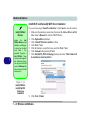
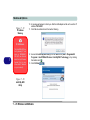
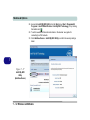
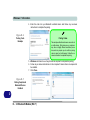
If you see the message “Found New Hardware” click Cancel to close the window.
1. Make sure the module is powered on, then insert the Device Drivers & Utilities + User’s Manual disc
into the CD/DVD drive.
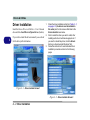
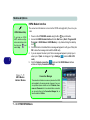
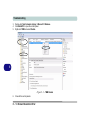
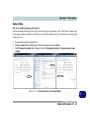
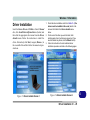
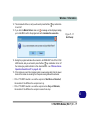
2. Click Option Drivers (button).
3. Click 2.Wireless Lan > Yes.
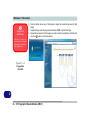
4. An on-screen message will appear to show the progress of the WLAN installation.
5. When the message disappears the driver will be installed.
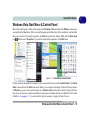
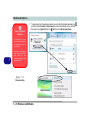
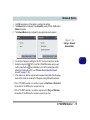
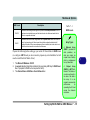
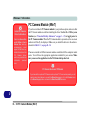
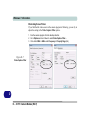
Note: The operating system is the default setting for Wireless LAN control in Windows 7 (see overleaf).
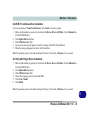
3rd Party 802.11b/g/n Driver Installation
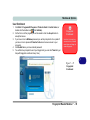
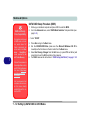
1. Make sure the module is powered on, then insert the Device Drivers & Utilities + User’s Manual disc
into the CD/DVD drive.
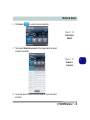
2. Click Option Drivers (button).
3. Click 2.Wireless Lan > Yes.
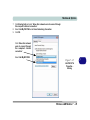
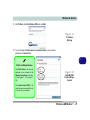
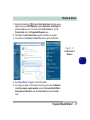
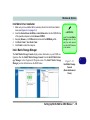
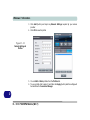
4. Choose the language you prefer and click Next.
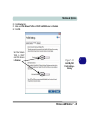
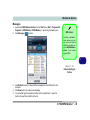
5. Click Next > Install.
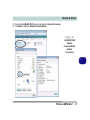
6. Click Finish.
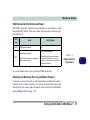
Note: The operating system is the default setting for Wireless LAN control in Windows 7 (see overleaf).
D
Wireless LAN Module (Win 7) D - 43