1
Modules & Options
Contacts
1.
2.
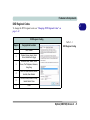
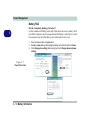
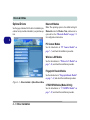
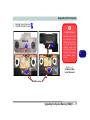
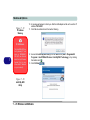
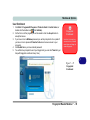
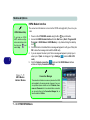
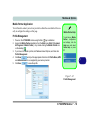
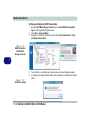
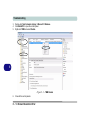
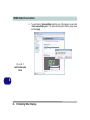
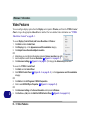
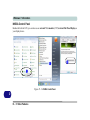
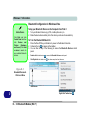
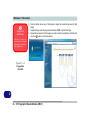
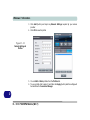
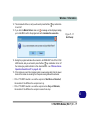
Access the HSPA Modem Interface from the Start menu (Start > Programs/All
Programs > HSPA Modem > HSPA Modem), or by clicking the desktop icon.
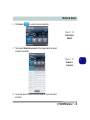
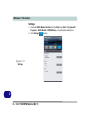
Click Contacts
(button).
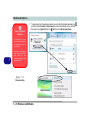
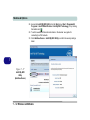
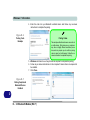
Figure 7 - 41
Network Settings &
Profiles
7
3.
4.
5.
6.
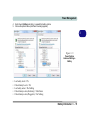
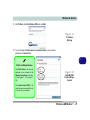
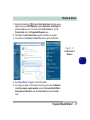
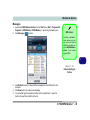
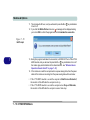
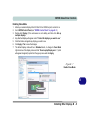
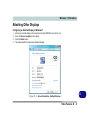
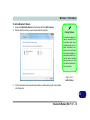
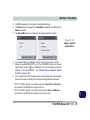
Click Refresh (button) to download the contacts from the USIM card to the
computer.
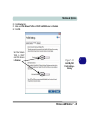
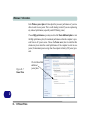
The Contacts will then be displayed.
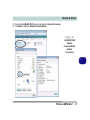
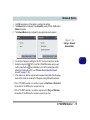
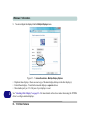
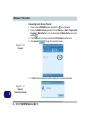
Double-click any contact to edit the information (or right-click and select Edit).
You can also Export/Import contacts by clicking the appropriate button.
7 - 48 3.75G/HSPA Module