1
EchoView User’s Guide
14. Press “Enter” to lock in your selection and exit the EchoView
Function menu.
The FMC2000 Controller is now broadcasting its data for EchoViews.
5.2 Turning The EchoView On
Hold down the [MODE] key and release it when the EchoView beeps.
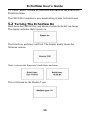
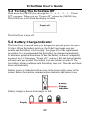
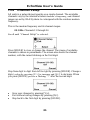
The display indicates that it is now on:
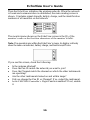
The EchoView performs a self-test. The display briefly shows the
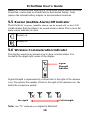
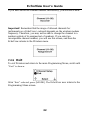
firmware version:
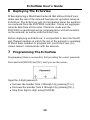
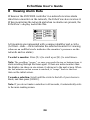
Next, it shows the firmware’s build date and time:
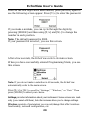
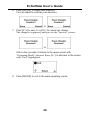
This is followed by the Modem Type:
15