1
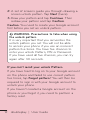
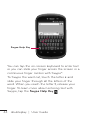
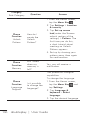
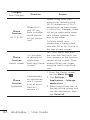
TIP! To lock your screen by using the Pattern
Lock
1. The first time you do this, a short tutorial
about creating an unlock pattern appears.
2. You are prompted to draw and redraw your
pattern. The next time you turn on your
phone or wake up the screen, you will be
prompted to draw your unlock pattern to
unlock the screen.
< SIM/RUIM card lock >
Set up SIM/RUIM card lock – Set up SIM/RUIM
card lock or change the SIM/RUIM PIN.
< Passwords >
Visible passwords – Select to show passwords as
you type them or deselect to hide passwords as
you type them.
< Device administration >
Select device administrators – Add or remove
device administratiors.
< Credential storage >
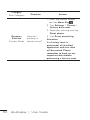
Use secure credentials – Select to allow
applications to access your phone’s encrypted
store of secure certificates, related passwords
and other credentials. You use credential storage
to establish some kinds of VPN and Wi-Fi
119