1
Google Account Set-up
The first time you open a Google application on
your phone, you will be required to sign in with
your existing Google account. If you do not have
a Google account, you will be prompted to create
one.
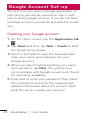
Creating your Google account
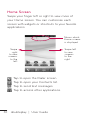
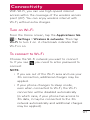
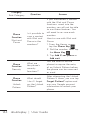
1. On the Home screen, tap the Applications tab
.
2. Tap Gmail and then tap Next > Create to start
the Gmail set up wizard.
3. Touch a text field to open the keyboard and
enter your name and username for your
Google account.
4. When you have finished inputting your name
and username, tap Next. Your phone then
communicates with Google servers and checks
for username availability.
5. Enter and re-enter your password. Then follow
the instructions and enter the required and
optional information about the account. Wait
while the server creates your account.
48 doubleplay | User Guide