1
3.1 Overview of Operation Modes
3.1 Overview of Operation Modes
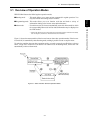
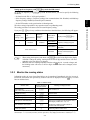
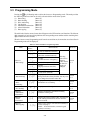
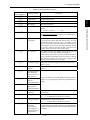
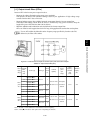
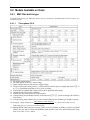
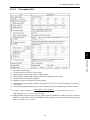
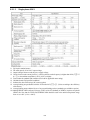
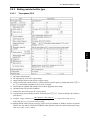
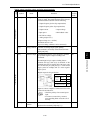
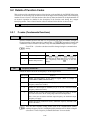
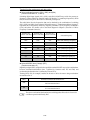
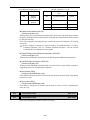
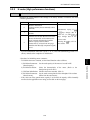
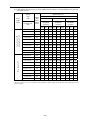
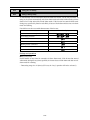
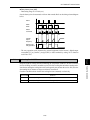
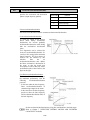
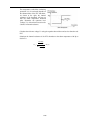
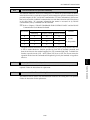
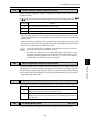
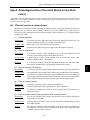
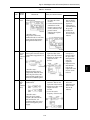
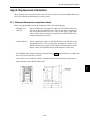
FRENIC-Mini features the following three operation modes:
■ Running mode
: This mode allows you to enter run/stop commands in regular operation. You
may also monitor the running status in realtime.
■ Alarm mode
* Alarm code: Shows the error factor that has activated the protective function. For details,
refer to Chapter 8, Section 8.8 "Details of Protective Functions."
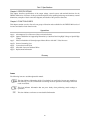
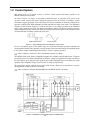
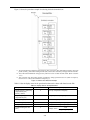
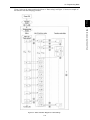
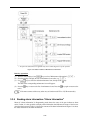
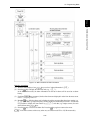
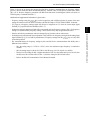
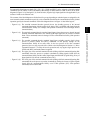
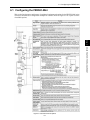
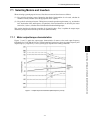
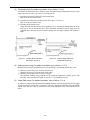
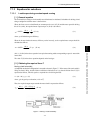
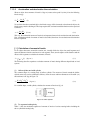
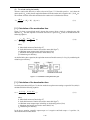
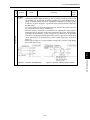
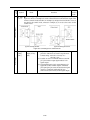
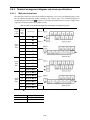
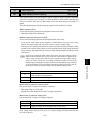
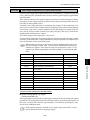
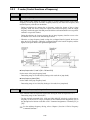
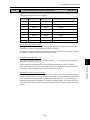
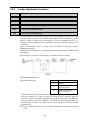
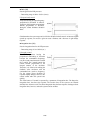
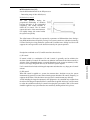
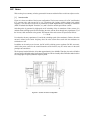
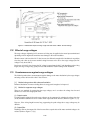
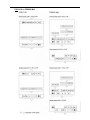
Figure 3.1 shows the status transition of the inverter between these three operation modes. If the inverter
is turned ON, it automatically enters Running mode, making it possible to start or stop the motor.
To make the transition between those operation modes, you need to press the specified keys as shown
below, except at the occurrence of an alarm. If an alarm occurs in Running mode, the inverter will
automatically switch to Alarm mode.
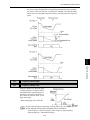
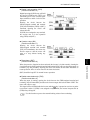
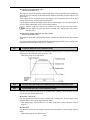
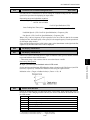
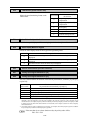
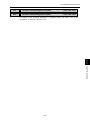
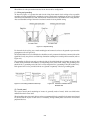
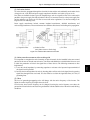
Figure 3.1 Status Transition between Operation Modes
3-1
OPERATION USING THE KEYPAD
: If an alarm occurs, the inverter automatically enters this Alarm mode in which
the corresponding alarm code* and its related information may be displayed on
the LED monitor.
Chap. 3
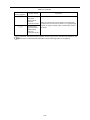
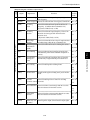
■ Programming mode : This mode allows you to set function code data and check a variety of
information relating to the inverter status and maintenance.