1
7
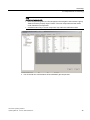
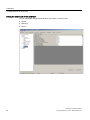
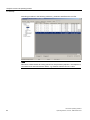
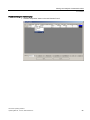
Logbook
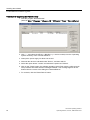
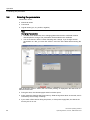
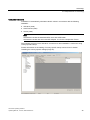
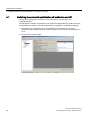
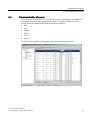
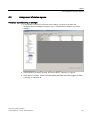
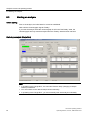
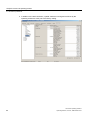
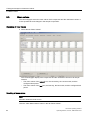
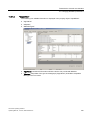
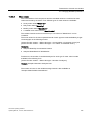
The chromatograph automatically saves all faults and events in a chronological list. To
provide a better overview, it lists faults and manual interventions separately:
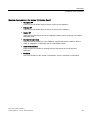
● The "Alarm Log" list records all alarms. Warnings are not recorded.
Examples: deviations of temperature or pressure controllers.
● The "Event Log" lists manual interventions.
Examples: changes in the factory settings, switching on, switching off, change to
calibrated mode.
Note
Synchronization of logbook
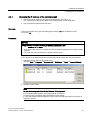
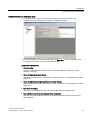
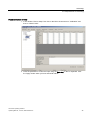
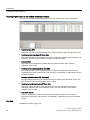
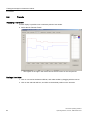
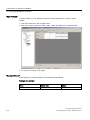
Using the "Refresh" button you can synchronize the contents of the logbook on the PC
with the gas chromatogram.
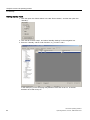
Printing of logbook
If a printer is connected to the PC, you can print out the logbook.
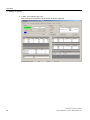
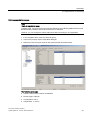
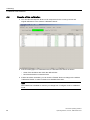
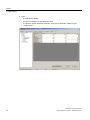
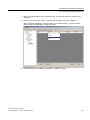
Click the "Print" button in the "Logbook" tab in the "Alarm Log" or "Event Log" area. The
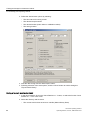
Windows print dialog is displayed.
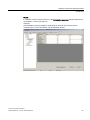
Saving of logbook on hard disk
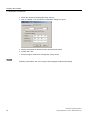
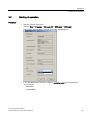
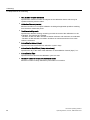
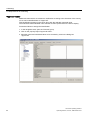
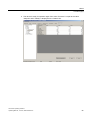
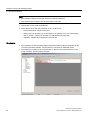
1. Click the "Save As" button in the "Logbook" tab in the "Alarm Log" or "Event Log" area.
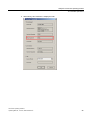
2. Select the directory and file name.
– The logbook entries are saved as a .csv file.
– If you specify .txt as the file name extension, the logbook is saved as a text file.
CVControl operating software
Operating Manual, 11/2012, A5E01428676-03
73