1
MCL-Designer for Phaser Series User’s Guide
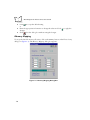
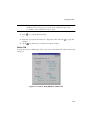
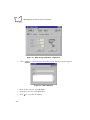
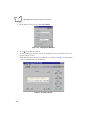
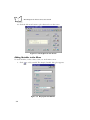
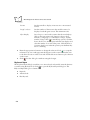
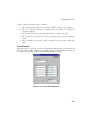
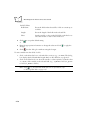
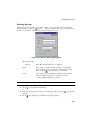
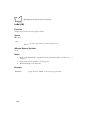
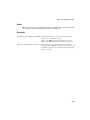
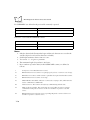
Note: If you want to keep notes about the project, click the Notes button.
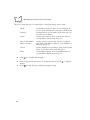
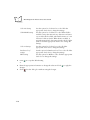
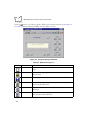
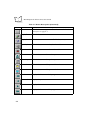
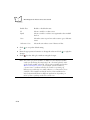
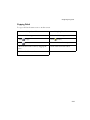
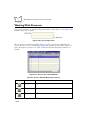
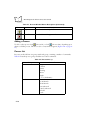
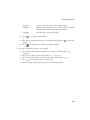
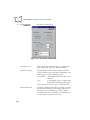
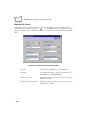
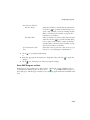
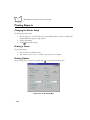
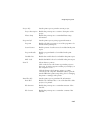
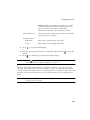
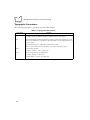
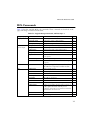
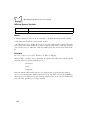
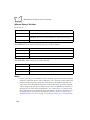
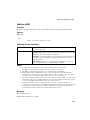
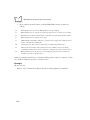
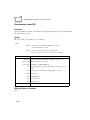
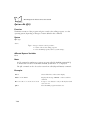
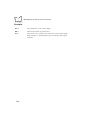
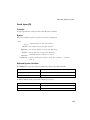
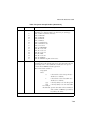
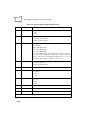
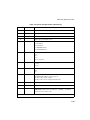
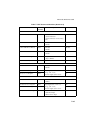
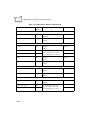
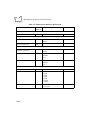
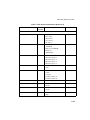
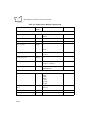
Table 1-1. Button Bar Description
Button
Name
Description
New
Starts a new project.
Open
Opens an existing project.
Save
Saves the current project.
Trash
Deletes a project.
Simulate
Starts project simulation.
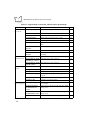
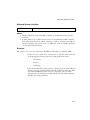
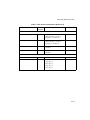
Verification
Verifies a project. This process check maintains a coherence
between programs, files and the setup. Clicking this button gives
you an error report on screen and files.
Print
Enters print definitions. Refer to Chapter 4, Designing
Programs.
Send
Sends the project to the scanner. Refer to Chapter 6,
Downloading A Project.
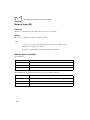
Check
Accepts entered information or steps.
Help
Opens the On-Line Help file.
Cancel
Terminates the current operation or closes a dialog box or
window.
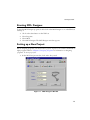
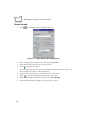
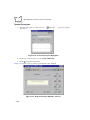
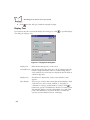
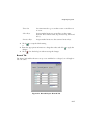
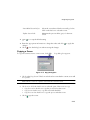
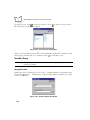
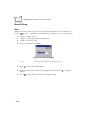
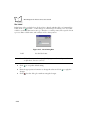
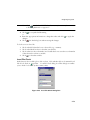
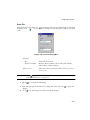
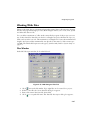
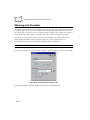
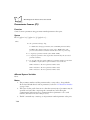
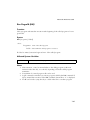
2. Choose New from the File menu or click
.
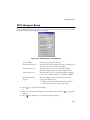
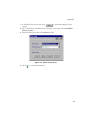
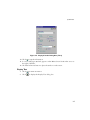
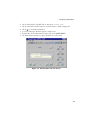
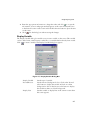
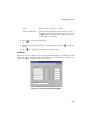
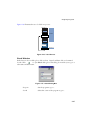
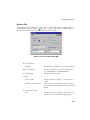
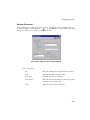
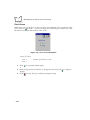
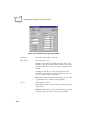
3. In the Project Name field, Enter a project name.
4. Click
1-4
to accept the project name.