1
G A L L E R Y
M O D U L E
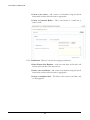
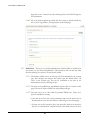
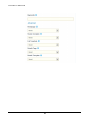
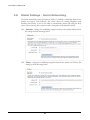
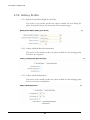
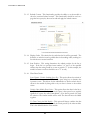
Finally, click SAVE. The page will refresh and provide a token that represents the data and
can be used within templates. In this case, the token is [!ct_2_Color!]. This token can be
found on the templates area as well as we will see in a moment.
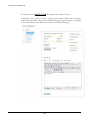
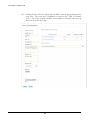
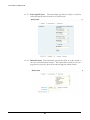
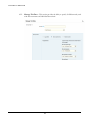
To edit this item to add another color (like “Purple” in this example), click “Edit”. This will
provide an edit screen for the custom attribute. There is currently no functionality to switch
types of fields, however. In other words, there is no way to change from a Multiple Choice
to a text box, for example.
38