1
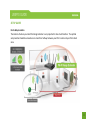
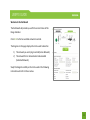
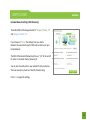
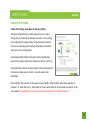
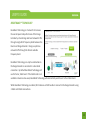
Network Settings: Wired Port Routing
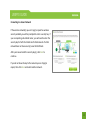
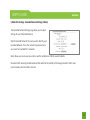
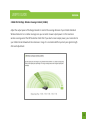
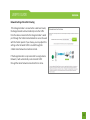
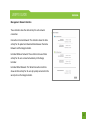
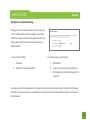
If the Range Extender is connected to a dual band router,
the Range Extender will automatically route the traffic
from the device connected to the Range Extender’s wired
port through the 5.0GHz Home Network to access the web
with the fastest speeds. If you choose, you may adjust this
setting so that all wired traffic is routed through the
2.4GHz Home Network connection instead.
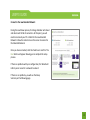
If the Range Extender is only connected to a single Home
Network, it will automatically route all wired traffic
through the Home Network connection that is active.
43