1
WellGate 2626 User Manual EN-V1.00
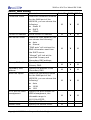
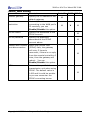
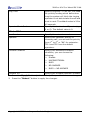
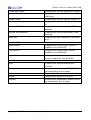
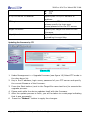
TFTP
FTP
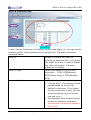
TFTP/FTP server IP address
Specify the TFTP/FTP server’s IP
address.
FTP login
If you select FTP download mode,
please specify the login user
name/password for the FTP server.
Target file name
Specify the target file name for the
firmware.
Http Upload
Specify the location of the firmware for
uploading through Http.
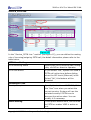
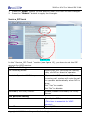
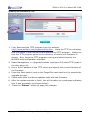
Updating the firmware by FTP
(Figure 19)
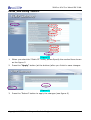
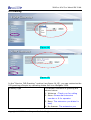
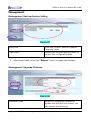
1. Under Management => Upgrade firmware (see figure 19) Select FTP mode in
the drop down list.
2. Key in the IP address, login name, password of your FTP server and specify
the correct filename of the firmware.
3. Press the Start button (next to the Target file name text box) to execute the
upgrade process.
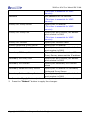
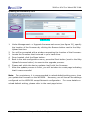
4. Please wait while the device updates itself with the firmware.
5. After the update process is finish, you will be taken to a web page indicating
that it was successful.
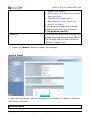
6. Press the “Reboot” button to apply the changes.
Copyright © 2007 Welltech Computer Co., Ltd. All right reserved.
24