1
1. Introduction
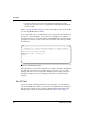
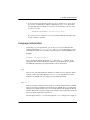
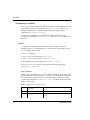
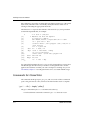
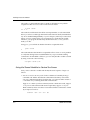
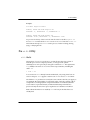
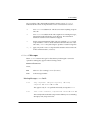
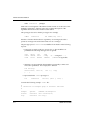
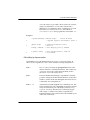
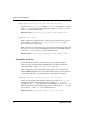
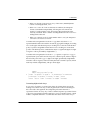
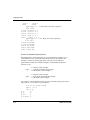
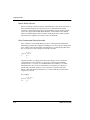
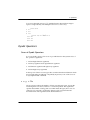
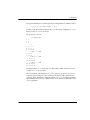
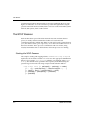
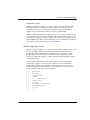
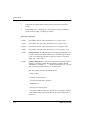
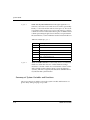
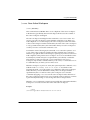
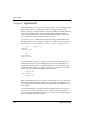
• If there is a global user shell login file, you can define the following
environmental values
setenv SAXDIR /usr/sax/rel
setenv PATH $SAXDIR/bin/:$PATH
Substitute the path for sax on your system in the appropriate places..
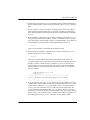
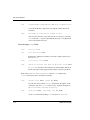
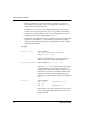
If neither of these methods is implemented on your system, you can also define
SAXDIR and PATH in your shell login script in your home directory.
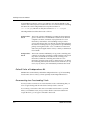
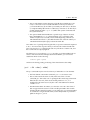
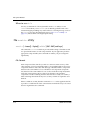
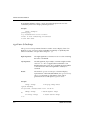
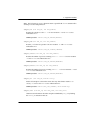
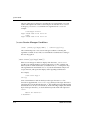
Ending a SHARP APL Session
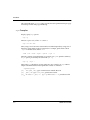
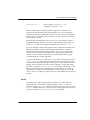
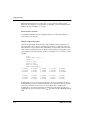
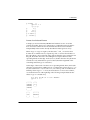
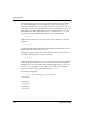
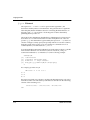
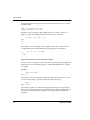
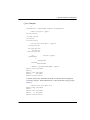
The SHARP APL session remains active until you exit using the following system
command:
)off
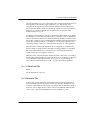
The characteristics of a SHARP APL session are explained in greater detail in
“Chapter 2. Using SHARP APL”.
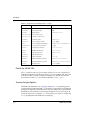
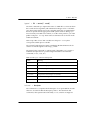
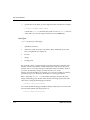
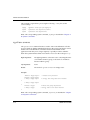
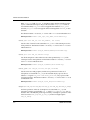
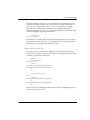
Modes of Operation
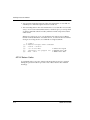
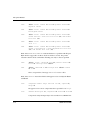
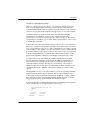
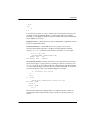
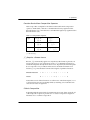
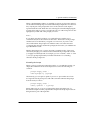
The default mode in which the system operates is called immediate execution;
whenever you enter an instruction, the system immediately interprets and executes
it. Instructions to the system may be in the form of system commands, system
functions and variables, APL statements, or user-defined functions. Each active
user is assigned an amount of storage called a workspace, which serves both as the
place in which calculation occurs during the session and the environment in which
names (functions, variables, etc.) are understood.
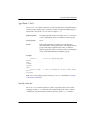
There are other input modes, such as those for editing rather than executing
definitions, or for supplying input to programs; however, immediate execution is
the default mode and the mode to which the system returns when work is
completed.
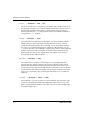
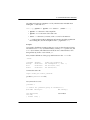
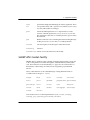
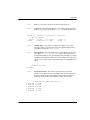
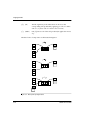
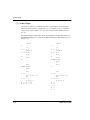
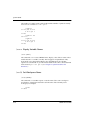
Depending on your requirements, the system can be configured to start different
versions of the language interpreter: apl (default) or apl-8. Other facilities are
provided by the system to integrate the interpreter with its environment, both
within the active workspace and beyond it. These include a session manager, a
session log, and two types of editors.
USER LIBRARY
UW-000-0401 (0009)
1–3