1
Firmware User’s Manual V5.11.17
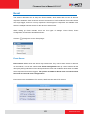
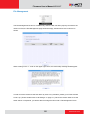
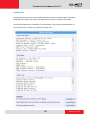
How is it triggered?
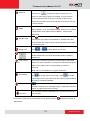
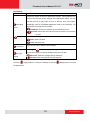
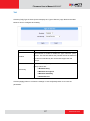
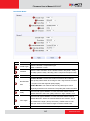
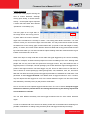
Events may be triggered by several sources:
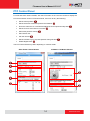
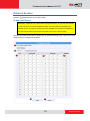
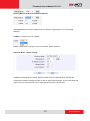
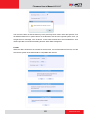
You may also ask the event to be repeatedly triggered during this scheduled time. The interval is
determined in minutes. You may use this with email / FTP upload to take snapshots at regular
intervals.
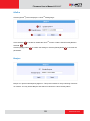
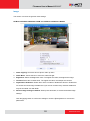
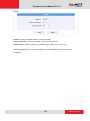
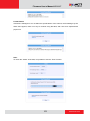
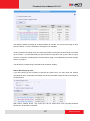
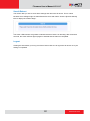
DIs: For selected models only, the IP device may be triggered by Digital Input.
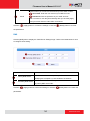
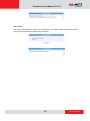
Motion: You may trigger the event if one or many Motion Detection regions encounter a motion
trigger. Trigger from any of them will initiate the event. The duration of event will be the same as
the MD trigger length, or the Trigger interval time, defined in the Motion Detection section on
Video Adjust page.
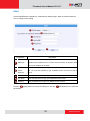
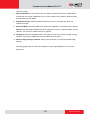
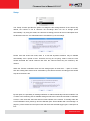
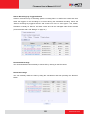
Video Loss: This is available for video servers only. When the analog video in is lost, the video
state will become “lost”, and return to “normal” only until device receives analog video signal. A
common scenario is for Video Server to send email to administrator when video is lost, and
activate DO signal to alarm that persists until the analog signal is restored.
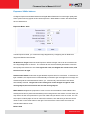
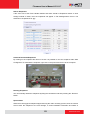
Switch to Night mode: This is available to selected models only. When camera changes
between day and night modes, the embedded event handler will notice this change, and may act
upon this information.
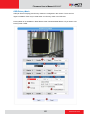
Potential uses include changing the motion detection profile to another set of Event MD
parameters. By having two sets of parameters each optimized for day and night, this provide
75
www.acti.com