1
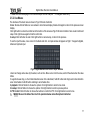
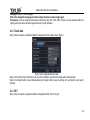
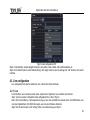
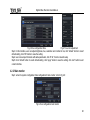
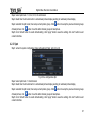
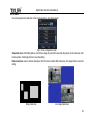
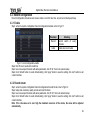
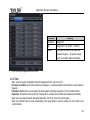
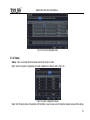
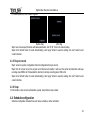
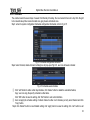
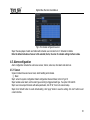
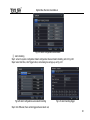
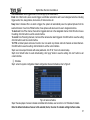
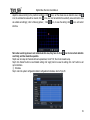
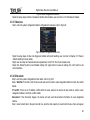
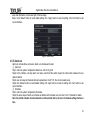
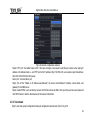
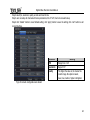
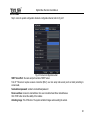
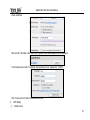
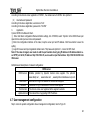
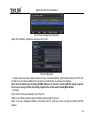
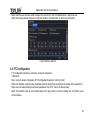
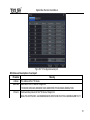
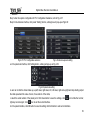
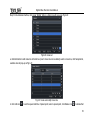
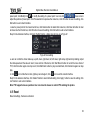
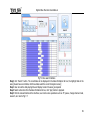
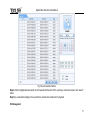
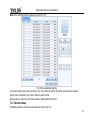
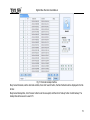
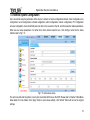
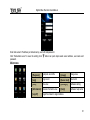
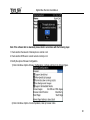
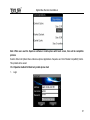
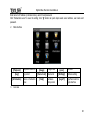
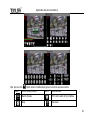
Digital Video Recorder User Manual Fig3-25 alarm configuration-schedule Step2: the setup steps of alarm schedule are familiar with schedule; user can refer to 4.4.1 Schedule for details. 4.5.3 Video loss Step1: enter into system configurationalarm configurationvideo loss; refer to Fig 4-26: Fig 4-26 alarm configuration-video loss Step2: the setup steps of video loss trigger are familiar with alarm handling; user can refer to Chapter 4.5.1 Sensor alarm handling for more details. Step3: user can setup all channels with same parameters, tick off “all”, then to do relevant setup. Step4: click “default” button to resort default setting; click “apply” button to save the setting; click “exit” button to exit current interface. 4.5.4 Other alarm Step1: enter into system configurationother alarm; refer to Fig 4-27: Step 2: Disk Full: If the disk is full, the device will auto send an email to users designated mailbox to notify the conflict details. IP conflict: if there is an IP address conflict within the same network, the device will auto send an email to users designated mailbox to notify the conflict details. Disconnect: if the disconnect happen, the device will auto send disconnection information to users designated mailbox. Step 3: select a hard disk in the pull down list box, when the disk capacity is lower than that value, there will appear 40