1
SUPPORT & MAINTENANCE
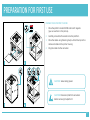
CLEANING THE PLATFORM
1
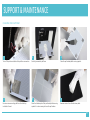
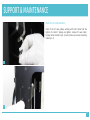
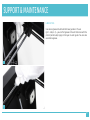
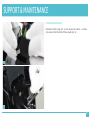
Turn off the printer and detach the platform connectors.
4
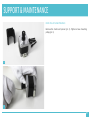
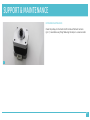
Unscrew screws mounting platform. Use allen key
included in the set.
2
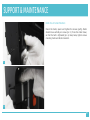
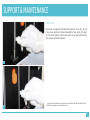
Carefully remove the platform.
5
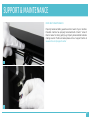
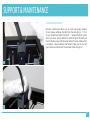
Clean the bottom part of the perforated platform using
spatula. It is not necessary to clean the perforation.
3
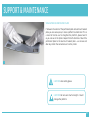
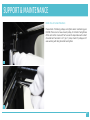
Clean the perforated platform using spatula.
6
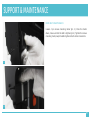
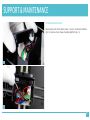
Remove remains from the aluminum plate.
23