1
PAL
1.
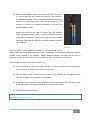
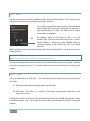
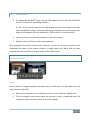
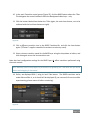
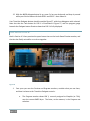
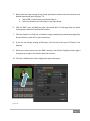
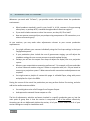
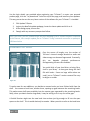
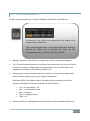
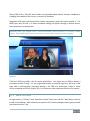
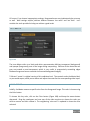
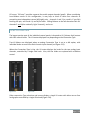
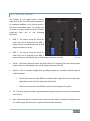
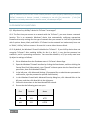
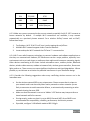
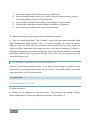
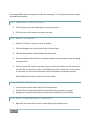
Warm up the monitor as previously mentioned.
2.
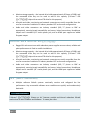
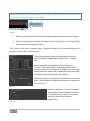
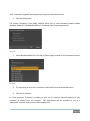
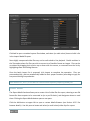
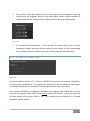
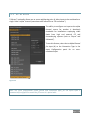
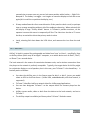
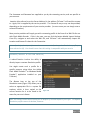
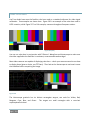
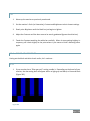
Set the monitor’s Color (or Saturation), Contrast and Brightness to their lowest settings.
3.
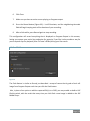
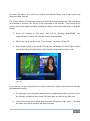
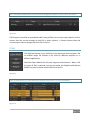
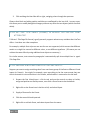
Slowly raise Brightness until the black bar just begins to lighten.
4.
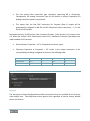
Adjust the Contrast until the bars seem to be evenly graduated (ignore the white bar).
5.
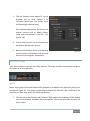
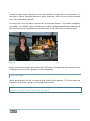
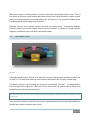
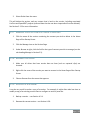
Tweak the Contrast watching the white bar carefully. When it stops getting brighter in
response, pull it back slightly to the point where it just starts to have a dimming effect
again.
C.3.4 COLOR ADJUSTMENTS
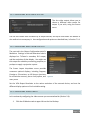
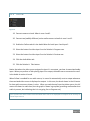
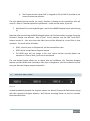
Having set the black and white levels earlier, let’s continue…
NTSC
1.
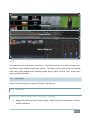
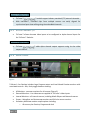
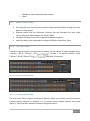
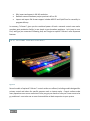
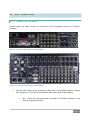
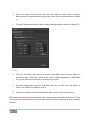
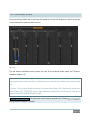
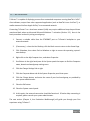
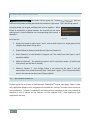
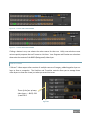
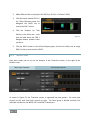
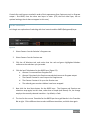
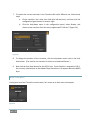
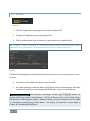
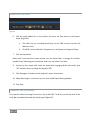
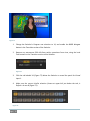
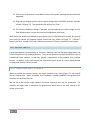
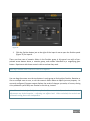
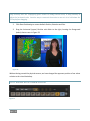
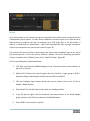
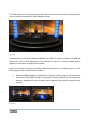
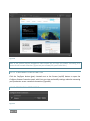
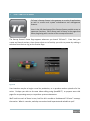
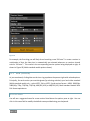
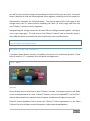
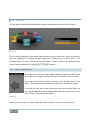
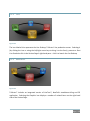
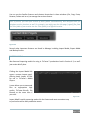
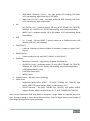
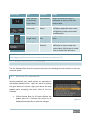
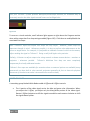
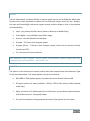
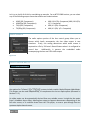
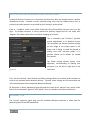
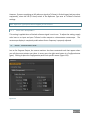
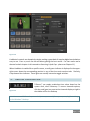
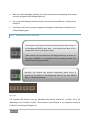
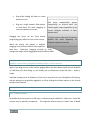
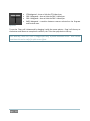
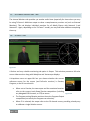
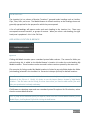
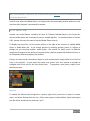
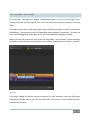
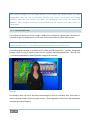
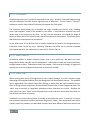
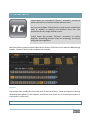
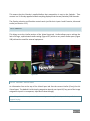
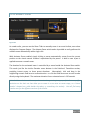
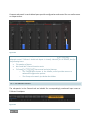
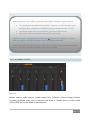
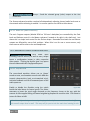
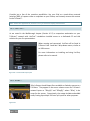
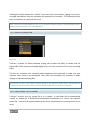
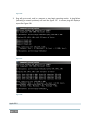
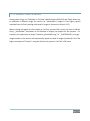
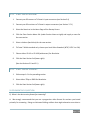
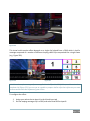
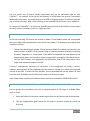
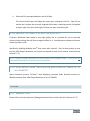
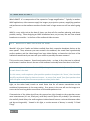
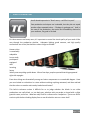
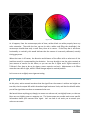
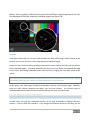
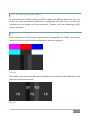
If your monitor has a “Blue-gun only” setting, enable it. Depending on the brand of your
monitor, the alternating bars will appear either as light gray and black, or blue and black
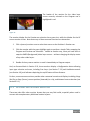
(Figure 262).
Figure 262
Page | 329