1
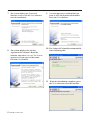
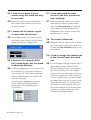
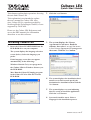
7 The system displays the Syncrosoft
Welcome screen. Click the Next button to
start the installation.
8 The system displays the License
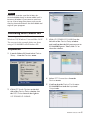
9 A screen appears to confirm that you
want to close the Synchrosoft installer.
Press the Finish button.
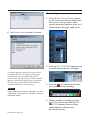
10 The Cubase LE4 installer automatically
starts following this.
Agreement for end users. Read the
contents, then select I accept the license
agreement if you agree to the terms.
Click the Next button.
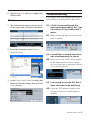
11 When the installation completes, press
the Finish button to close the installer.
2
TASCAM Cubase LE4