1
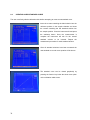
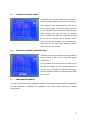
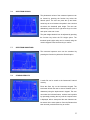
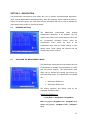
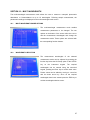
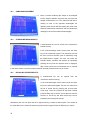
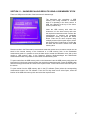
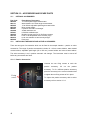
SECTION 10 – MULTI-WAVELENGTH The multi-wavelength measurement mode allows the user to measure a sample’s photometric absorbance or %transmittance at up to 10 wavelengths. Following sample measurement, the photometric readings are displayed on the multi-wavelength mode screen. 10.1 MULTI-WAVELENGTH MODE OPTIONS The multi-wavelength measurement mode enables measurement parameters to be changed. The two options at the bottom of the screen allow the user to edit the measurement wavelengths and change the measurement mode. These options are selected with the corresponding function buttons. 10.2 WAVELENGTH SELECTION The measurement wavelengths of the selected measurement mode can be adjusted by pressing the function key below the WL Setup option or the GOTO key on the instrument keypad. The required wavelengths can be entered using the numerical keypad, pressing the Enter key to confirm each value. Further values can be added by moving to a new line with the down arrow key. Once all the required wavelengths have been entered press the ESC key to exit the wavelength selection screen. 45