1
3.
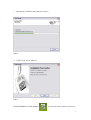
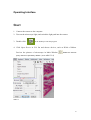
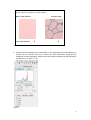
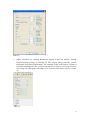
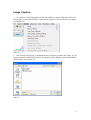
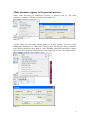
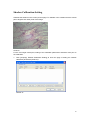
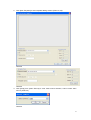
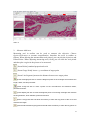
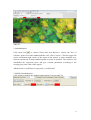
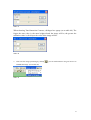
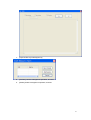
Enter parameters of the sample added, click [Snap] to capture sample image.
4.
Click [Add Data] to record data of sample.
5.
After finishing adding dada, click [Finish]. If you want to add a new recording, back to
the step 1.
6.
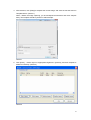
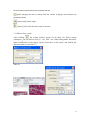
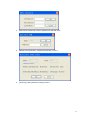
If you want to check data, click [Edit] from data list, or double click [View Details].
7.
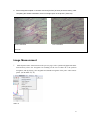
If you want to edit or delete data, click [Edit Report] or [Delete Report] in the selected
report.
Query Operation
1.
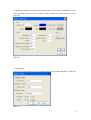
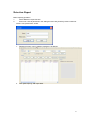
In the Query Operation Workgroup, make a query on report by entering single or more
query conditions.
36