1
Manufacturing Inventory Management User Manual
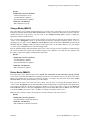
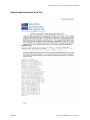
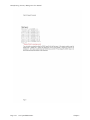
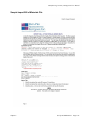
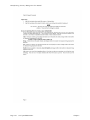
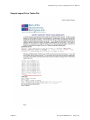
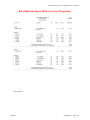
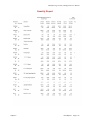
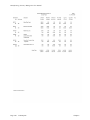
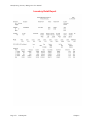
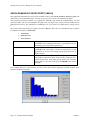
Overstock Report (IM0205)
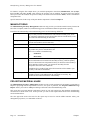
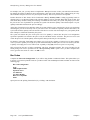
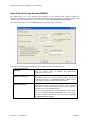
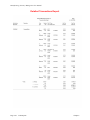
This report includes all inventory items that have a quantity on-hand and quantity on-order greater than the
maximum quantity to stock.
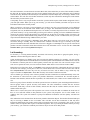
This report can be used to flag inventory items which exceed the maximum quantity to stock level. Errors in
ordering, invoicing, or stock withdrawals may be detected through the use of this report. You may also want to use
this report to verify overages you have planned for in the anticipation of unusually high sales periods for an item.
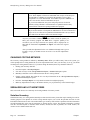
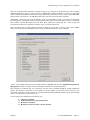
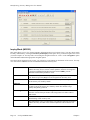
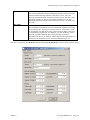
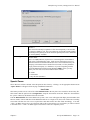
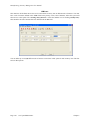
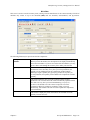
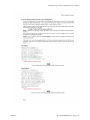
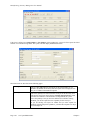
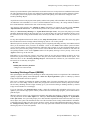
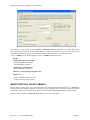
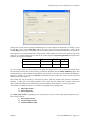
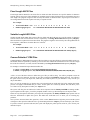
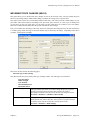
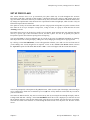
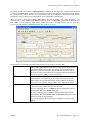
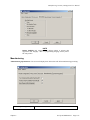
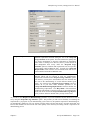
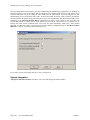
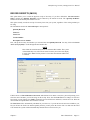
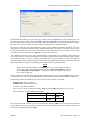
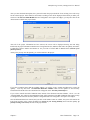
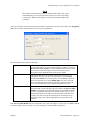
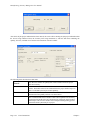
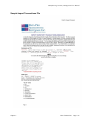
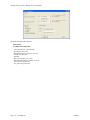
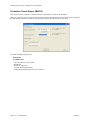
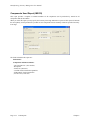
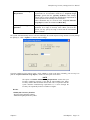
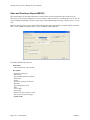
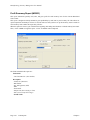
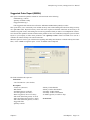
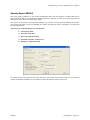
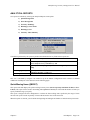
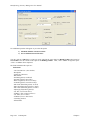
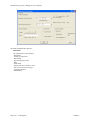
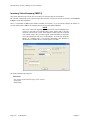
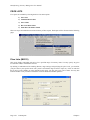
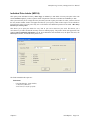
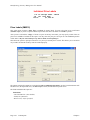
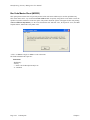
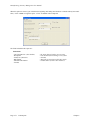
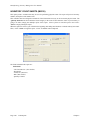
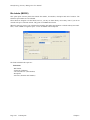
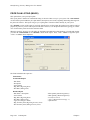
When this option is selected, you will define the beginning and ending Item Numbers to include and any item mask.
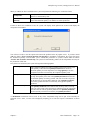
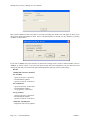
Then, <click> “Start” to begin the report. <Click> on “Close” when completed.
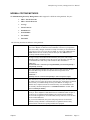
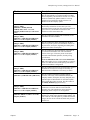
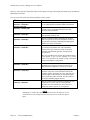
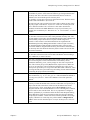
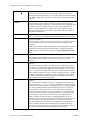
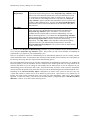
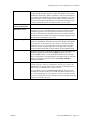
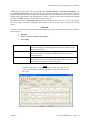
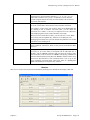
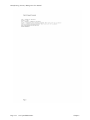
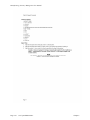
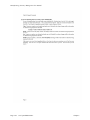
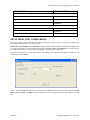
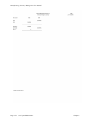
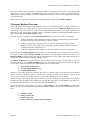
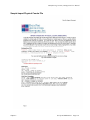
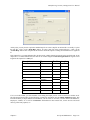
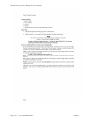
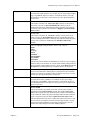
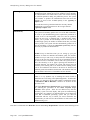
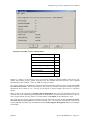
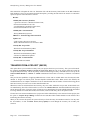
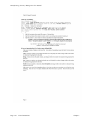
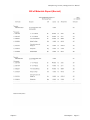
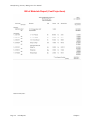
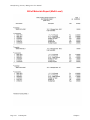
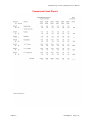
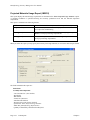
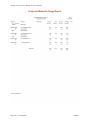
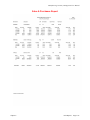
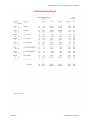
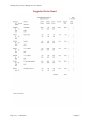
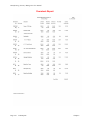
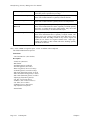
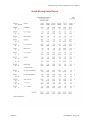
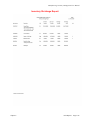
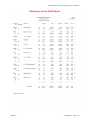
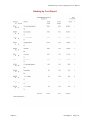
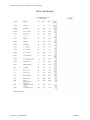
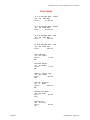
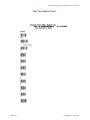
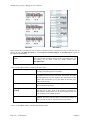
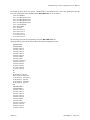
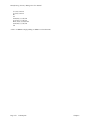
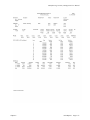
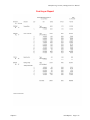
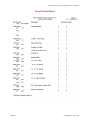
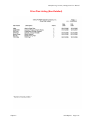
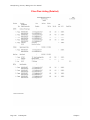
The fields included in this report are:
Field Name:
- Cat./Class/Part/Loc. (Item Number)
Description:
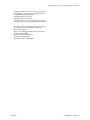
- U/M (Unit of Measure)
- Bin Number
- On-Hand (Quantity On-Hand)
- On-Order (Quantity On-Order)
- Reserved (Quantity Reserved to Ship)
- Available (Quantity Available to Ship)
- Min. Stock (Minimum Quantity to Stock)
- Max. Stock (Maximum Quantity to Stock)
- Min. Order (Minimum Quantity to Order)
- Quantity Overstocked
- Grand Total:
Chapter 4
Print Reports
Page 4-35