1
Manufacturing Inventory Management User Manual
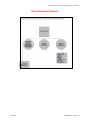
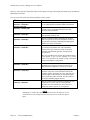
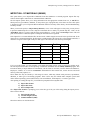
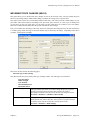
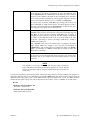
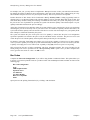
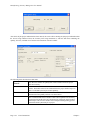
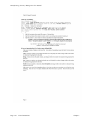
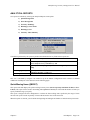
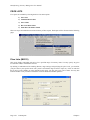
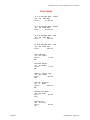
Updates are:
- Credit to Source Item Asset Account
- Debit to Destination Item Asset Account
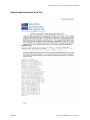
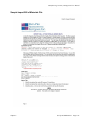
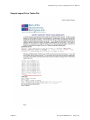
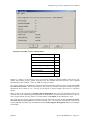
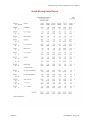
Example:
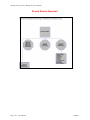
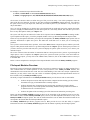
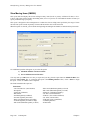
Inventory can be maintained on a multi-warehouse basis, as well as be easily transferred between warehouses
using the “Record Transfers” option. The following procedures may be very helpful, too, in utilizing this
feature:
1.
Establish the location as one of the Lot Numbers assigned to a specific inventory item. The inventory item
will need to be classified as a “Lot Number” costing method. The “cost label” can then describe the
warehouse location. For example, the cost label may be “Warehouse No.” or “Truck Number” or “Store
Number.”
2.
When adding the inventory for the warehouses, you will add Lots to each inventory item to define the
inventories being stored at each location. Use the “Enter Initial Cost Layers” option to add the warehouse
information as a lot number. For example, you may have two trucks (Numbers 101 and 105) which store
inventory. Each inventory item will need to be classified as a Lot Number costing method. You will then
add a Lot Number 101 and 105 for each inventory item. These lot numbers will then store the quantities
stocked on each truck.
3.
Inventory transfers of stock from one location to another can be recorded through the “Record Transfers”
option. Inventory will be transferred out of the one item's lot number, to arrive at a per unit cost that will be
received into the destination item's lot number.
4.
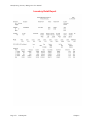
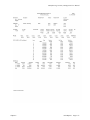
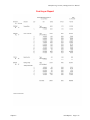
When printing inventory detailed transaction or cost layer reports you may include the inventory for all
locations, groups of locations, or a single location. This reporting flexibility is handled by the report,
“mask” for Serial/Lot Number. Every time you print an inventory detailed transaction or cost layer report
you can specify a Serial/Lot Number mask to include only the inventory items within a certain location.
This masking concept is explained in more detail in your System Administrator manual.
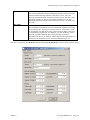
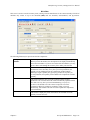
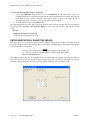
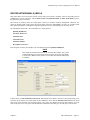
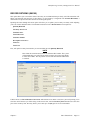
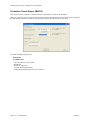
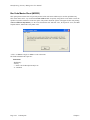
RECORD INTER-COMPANY TRANSFERS (IM0107)
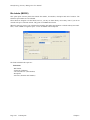
This option is valuable if you are utilizing the multi-location inventory feature. It allows you to transfer inventory
from one physical location to another.
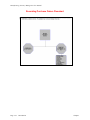
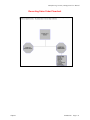
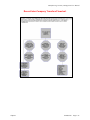
Inventory can be maintained on a multi-location basis, as well as be easily transferred between warehouses using the
“Record Inter-Company Transfers” option. Conceptually, each location will have its own company set up
including the General Ledger and Manufacturing Inventory Management modules. This will facilitate the
requirement to track the “Due To/Due From” entries that are created when the inventories are transferred from the
central location to the individual site locations.
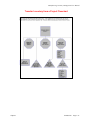
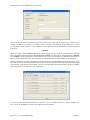
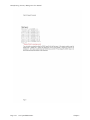
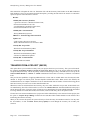
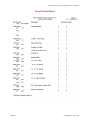
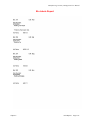
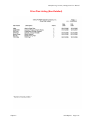
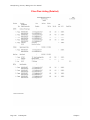
Audit Trails will be printed to verify the transfer procedure for the transaction. The source company's audit report
will show the inventory withdrawn, while the destination company's audit report will show the receipt of the
inventory. All transfer information will be stored in the inventory transaction files in both companies. The Inventory
Detailed Transaction Report may be run to access this information at a later date.
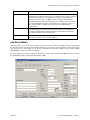
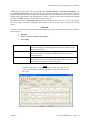
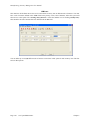
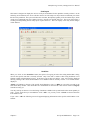
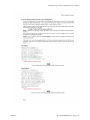
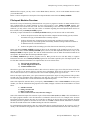
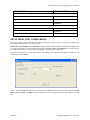
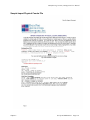
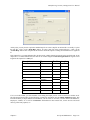
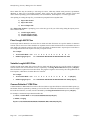
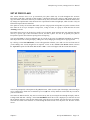
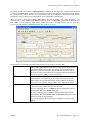
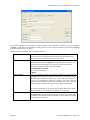
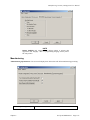
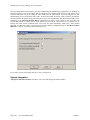
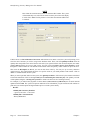
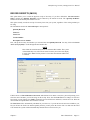
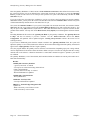
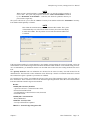
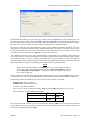
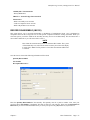
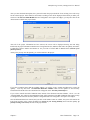
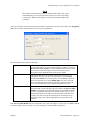
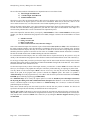
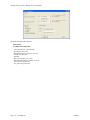
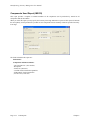
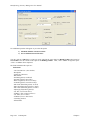
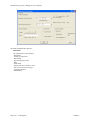
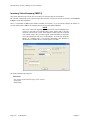
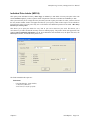
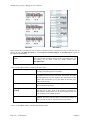
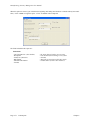
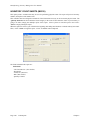
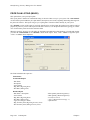
The system will first ask you to enter the inventory item number you will be transferring. The next data item will ask
you to enter the “Quantity to Transfer.” Enter the transfer quantity using the “stocking unit of measure” which is
the lowest level of stocking inventory. This option does not support the Unit of Measure Conversion procedure.
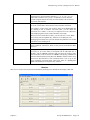
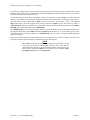
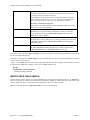
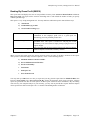
NOTE
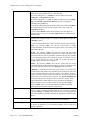
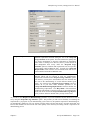
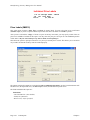
Enter either the actual Inventory Item # or Alternate SKU number. The system
will automatically cross reference the actual inventory item # and will display
it in this field. Note: The file position is saved after the Alternate SKU index
is searched.
Page 3-12
Enter Transactions
Chapter 3