1
Secti on 5 TROUBLE SHOOTING
Display Problems
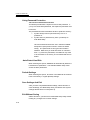
The display panel is blank when the system is turned on n
Make sure the notebook is not in the Suspend or Save To
Disk modes. The display is turned off to conserve energy in
these modes.
n
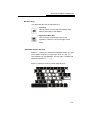
Press Fn+F7 to increase the screen brightness.
n
Press Fn+F4 to make sure the notebook is not in the CRToutput only mode.
The screen is difficult to read n
Press Fn+F7 to increase the screen brightness.
n
The display resolution should be set to 1024x768 for optimal
viewing.
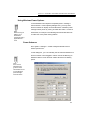
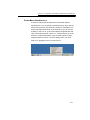
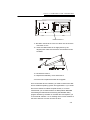
1. Go to [Start > Settings > Control Panel] and double-click
on the Display icon.
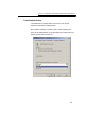
2. Under the Settings page, click the Adanced icon.
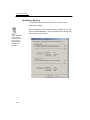
3. Under the Dispaly Modes page to set the resolution to
1024x768 and choose at least 256 colors.
The screen flickers n
It is normal if the display flickers a few times during shutting
down or powering up.
5-7