1
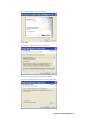
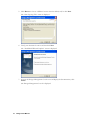
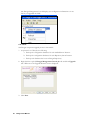
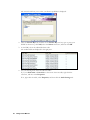
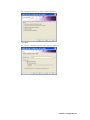
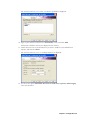
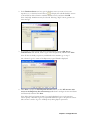
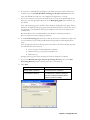
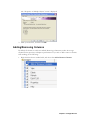
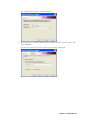
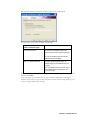
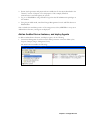
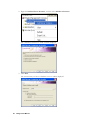
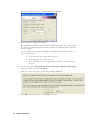
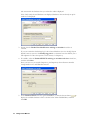
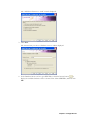
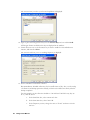
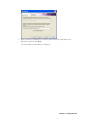
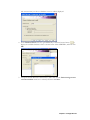
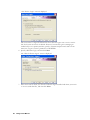
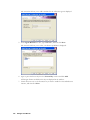
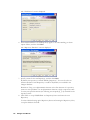
3. Select the SQL server authentication radio button, and enter the username and
password for a SQL login account that has sysadmin privileges on ENTEGRA1, and
then click Next.
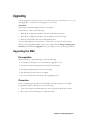
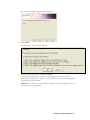
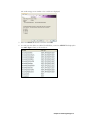
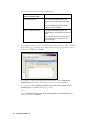
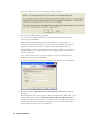
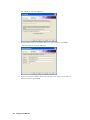
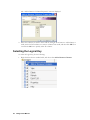
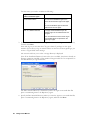
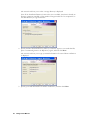
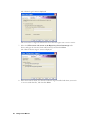
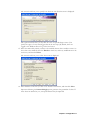
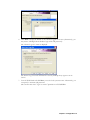
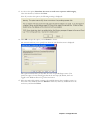
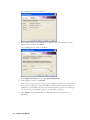
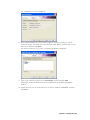
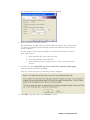
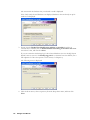
The “Service Log On” screen is displayed.
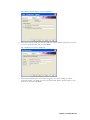
The Service Log On screen information is used by the Repository Agent to run its
service.
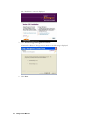
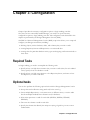
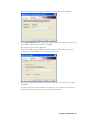
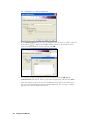
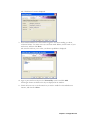
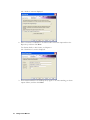
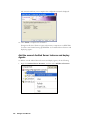
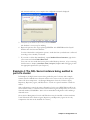
4. Accept the Local System Account default, and then click Next.
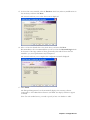
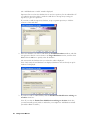
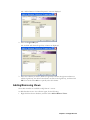
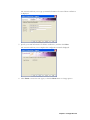
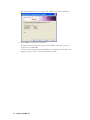
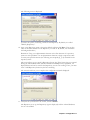
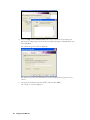
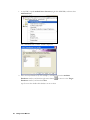
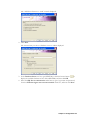
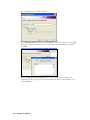
The “Archive” screen is displayed.
88
Entegra User Manual