1
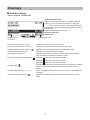
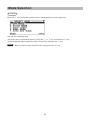
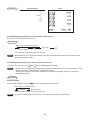
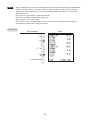
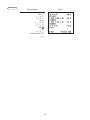
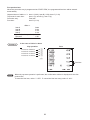
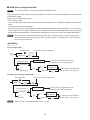
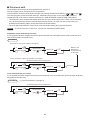
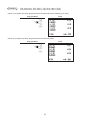
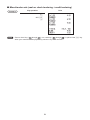
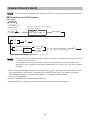
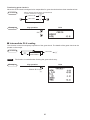
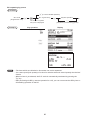
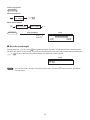
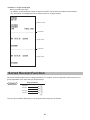
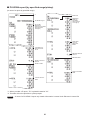
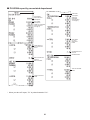
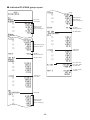
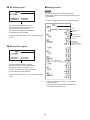
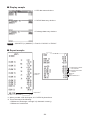
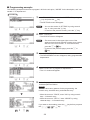
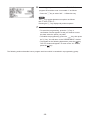
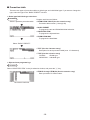
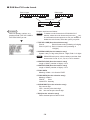
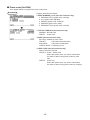
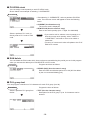
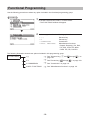
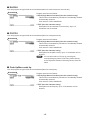
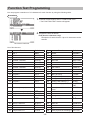
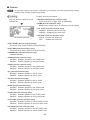
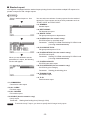
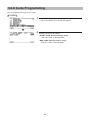
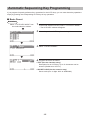
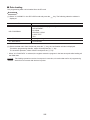
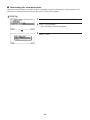
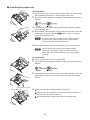
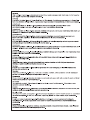
6. Press the I key to move the cursor to “TAXABLE 1”, then
program the machine to set “non-taxable 1” as follows:
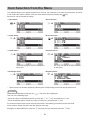
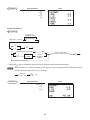
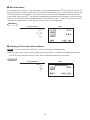
• Press the P key to select “NO”. lSelective entry
NOTE
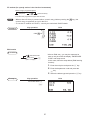
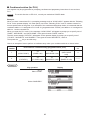
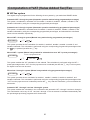
The P key toggles between two options as follows:
NOlYESlNOl....
Pressing the s key displays all pertinent options.
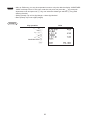
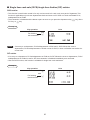
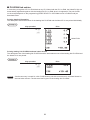
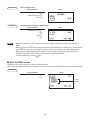
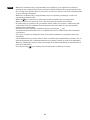
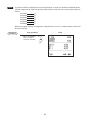
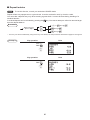
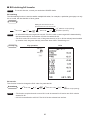
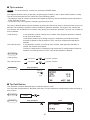
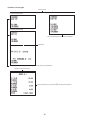
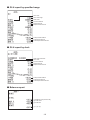
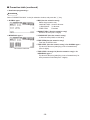
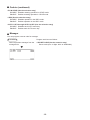
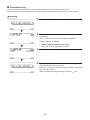
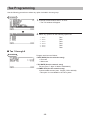
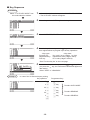
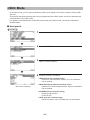
7. Select one of the following actions:
• To cancel the programming, press the c key. A
confirmation window appears to ask you whether to save
the data; select the option you prefer.
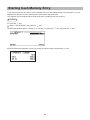
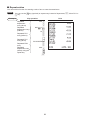
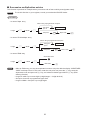
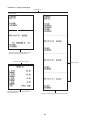
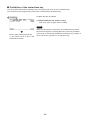
• To finalize the programming, press the A key, then press
the c key. You will return to the “DEPARTMENT” window.
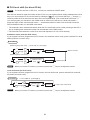
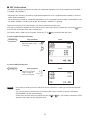
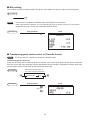
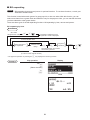
key.
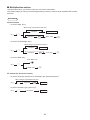
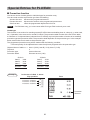
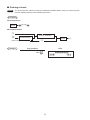
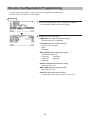
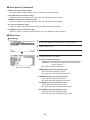
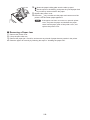
• To program for the following department, press the
The “02” window will appear. To return to the “01” window,
key.
press the
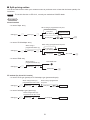
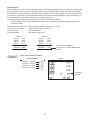
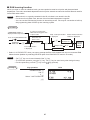
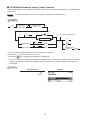
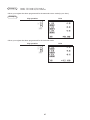
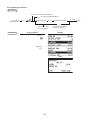
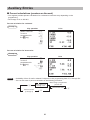
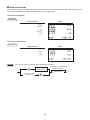
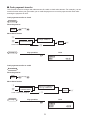
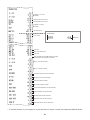
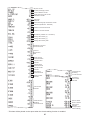
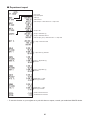
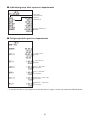
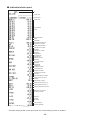
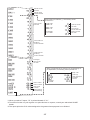
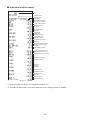
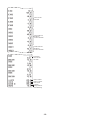
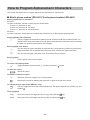
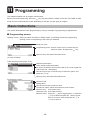
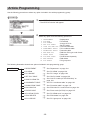
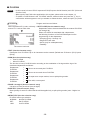
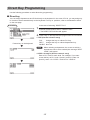
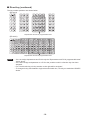
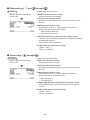
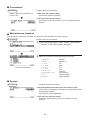
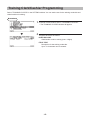
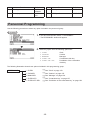
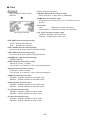
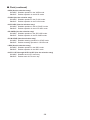
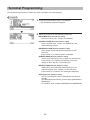
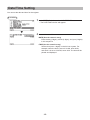
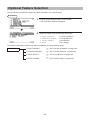
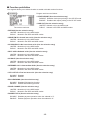
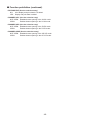
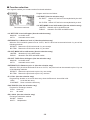
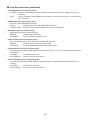
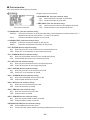
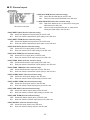
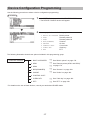
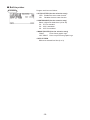
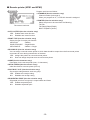
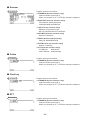
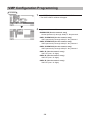
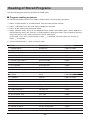
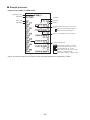
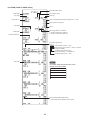
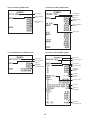
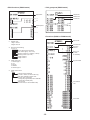
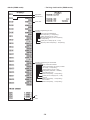
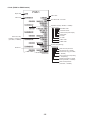
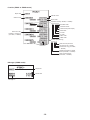
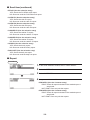
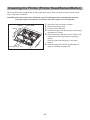
The following sections describe how to program each item which is contained in a programming group.
122