1
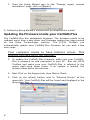
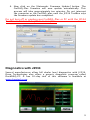
4. Now click on the [Automatic Firmware Update] button. The
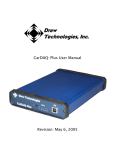
CarDAQ-Plus firmware will now update automatically. This
process will take approximately ten minutes. Do not interrupt
the computer or the CarDAQ-plus until the J2534 ToolBox says
the firmware update has completed.
Do not turn off or unplug your CarDAQ-Plus or PC until the J2534
ToolBox indicates the update is complete.
Diagnostics with J2534
Several manufacturers allow full dealer level diagnostics with J2534.
Drew Technologies also offers a generic diagnostic program called
DashDAQ-PC. A free 30-day trial of this software is available at
www.drewtech.com.
9