1
Section 3 - Configuration
Advanced Network Settings
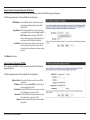
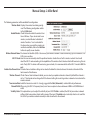
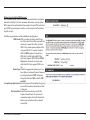
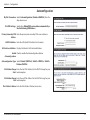
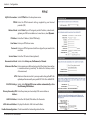
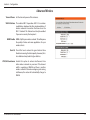
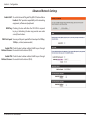
Enable UPnP: To use the Universal Plug and Play (UPnP™) feature click on
Enabled. UPnP provides compatibility with networking
equipment, software and peripherals.
WAN Ping: Checking the box will allow the DIR-810L to respond
to pings. Unchecking the box may provide some extra
security from hackers.
WAN Port Speed: You may set the port speed of the Internet port to 10Mbps,
100Mbps, or Auto (recommended).
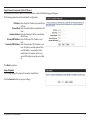
Enable IPV4 Check the box to allow multicast traffic to pass through
Multicast Streams: the router from the Internet (IPv4).
Enable IPV6 Check the box to allow multicast traffic to pass through
Multicast Streams: the router from the Internet (IPv6).
D-Link DIR-810L User Manual
94