1
Section 3 - Configuration
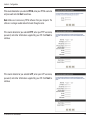
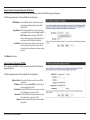
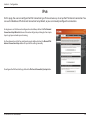
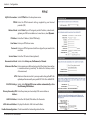
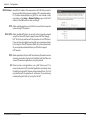
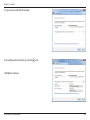
If the router detected or you selected PPPoE, enter your PPPoE username
and password and click Next to continue.
Note: Make sure to remove any PPPoE software from your computer. The
software is no longer needed and will not work through a router.
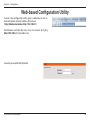
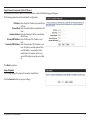
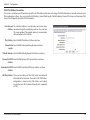
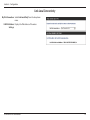
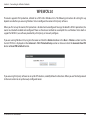
If the router detected or you selected PPTP, enter your PPTP username,
password, and other information supplied by your ISP. Click Next to
continue.
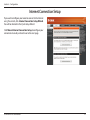
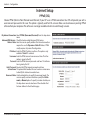
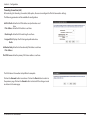
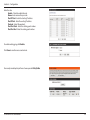
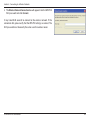
If the router detected or you selected L2TP, enter your L2TP username,
password, and other information supplied by your ISP. Click Next to
continue.
D-Link DIR-810L User Manual
14