1
6 Wireless Configuration
This section will guide you through all the wireless settings. Please read the instruction
carefully. Inappropriate setting could lower the performance or affect the network structure.
Before you continue, please make sure you have chosen the correct operating mode.
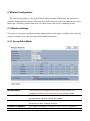
6.1 Wireless Settings
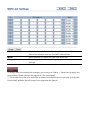
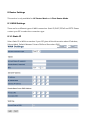
This section is the basic wireless settings. Please read the description carefully and check the
steps on chapter 10 in case you need more detail information.
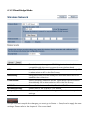
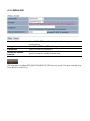
6.1.1 Access Point Mode
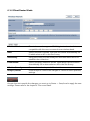
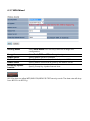
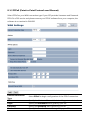
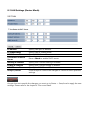
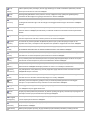
Wireless Mode
The wireless mode supports 802.11a/n mixed modes. It is
compatible with the most common known wireless band.
Channel HT Mode
The default channel bandwidth is 40 MHz. The larger channel can
provide better transmit quality and speed.
Extension Channel
Specify the upper channel or lower channel selection. It may
influence the Auto channel function
Channel / Frequency
The channel availability is based on the country’s regulation.
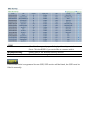
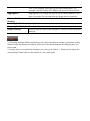
Auto
Place a Check mark to enable Auto channel selection.