1
10 Network Configuration Example
This chapter describes the role of the ENH500 with 4+1 modes. The Access Point mode’s
default configuration is a central unit of the wireless network or as a root device of the wired
environment. Repeater mode and Mesh network mode need future configuration.
10.1 Access Point
Access Point
Step1
Login to the web-based configuration interface with default IP
192.168.1.1
Step2
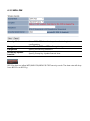
Select your country or region’s regulation.
Step3
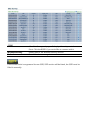
Use site survey to scan channels that have been used in nearby
area.
Step4
Select channel with less interferences.
Step5
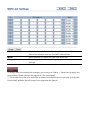
Specify the SSID for your broadcast SSID and you can also
configure multiple SSID at the same time.
Step6
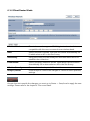
Verify VLAN identifier to separate services among clients
Step7
Setup the authentication settings.
Step8
Apply to process all the configurations.
For more advanced settings, please refer to the previous chapters.
Wireless Client
Step1
Select wireless mode you would like to associate with.
Step2
Use site survey to scan nearby Access Point and select the certain
AP you would like to connect with or enter SSID manually.
Step3
Configure VLAN ID in your wireless device if available.
Step4
Select correct authentication type and password.