1
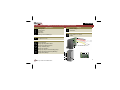
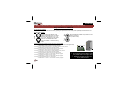
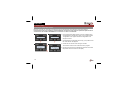
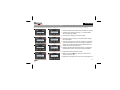
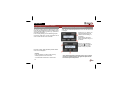
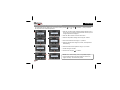
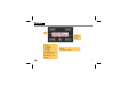
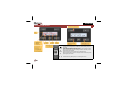
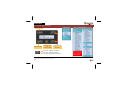
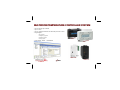
ENGLISH 10. Screen & LED indicators ↑ ↑ ↑ ← Menu → ↑ Mode ↑ ↑ ↑ ↑ Location Change room or zone. Push and hold to switch between rooms and zones. Exit the menu. Changes made in a data entry screen (flashing item) are discarded. Switch between anti-freeze, night, day, comfort mode and start the sleep Mode timer. Push and hold to stop the sleep timer. Move one level back in the menu. Changes made in a data entry screen ← (flashing item) are discarded. Menu Open the menu. Push and hold to open the extended menu. Move to the next level in het menu. Changes made in a data entry screen → (flashing item) are retained. ↑ ↓ ↑ ↓ Alter the data entry (flashing item) or scroll through the menu. 21