1
Modules & Options
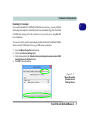
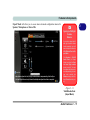
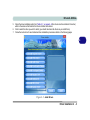
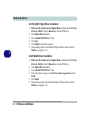
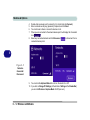
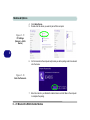
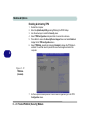
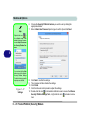
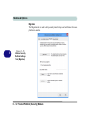
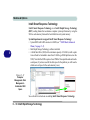
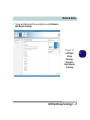
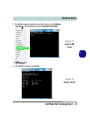
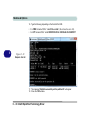
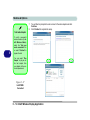
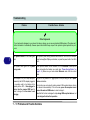
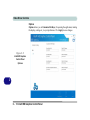
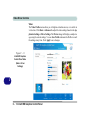
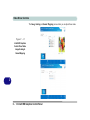
13. Type “detail disk”.
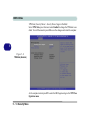
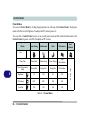
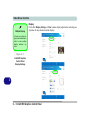
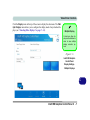
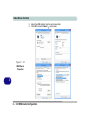
Figure 6 - 41
Diskpart - Detail
Disk
6
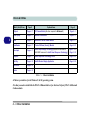
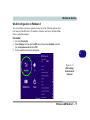
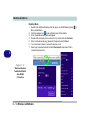
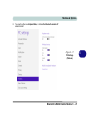
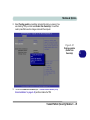
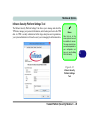
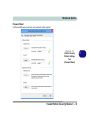
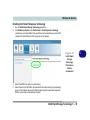
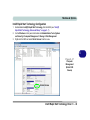
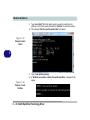
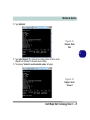
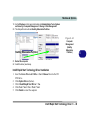
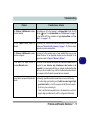
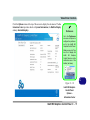
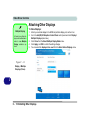
14. Type “select Volume #” (# is volume of your storage partition so refer to results
obtained from "detail disk" for the exact volume number).
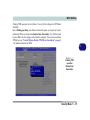
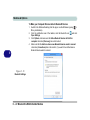
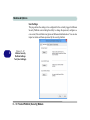
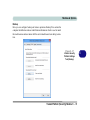
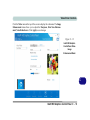
15. The message “Volume # is now the selected volume.” will appear.
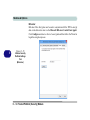
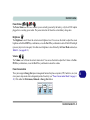
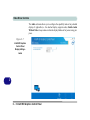
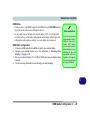
Figure 6 - 42
Diskpart - Select
Volume #
Intel® Rapid Start Technology Driver 6 - 47