1
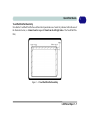
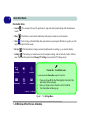
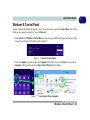
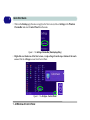
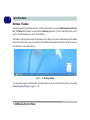
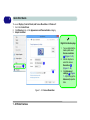
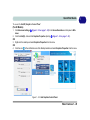
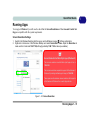
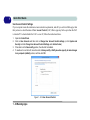
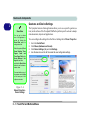
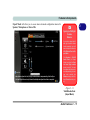
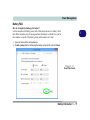
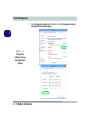
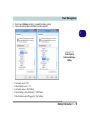
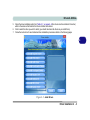
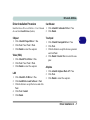
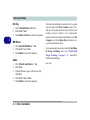
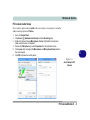
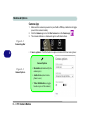
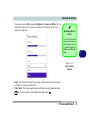
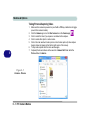
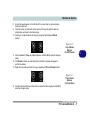
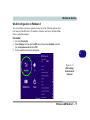
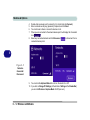
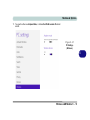
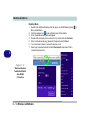
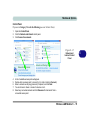
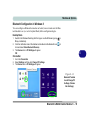
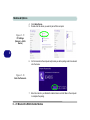
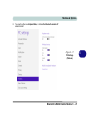
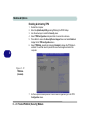
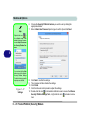
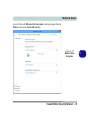
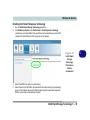
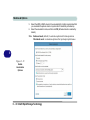
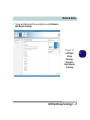
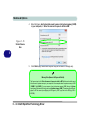
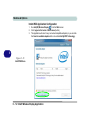
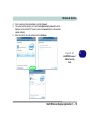
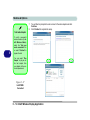
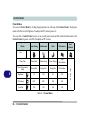
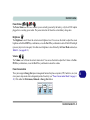
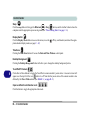
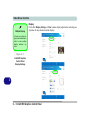
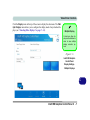
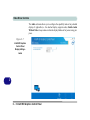
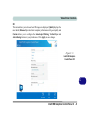
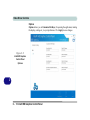
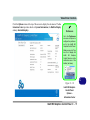
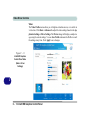
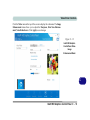
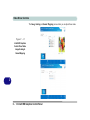
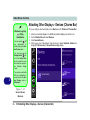
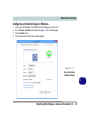
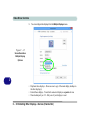
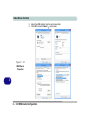
1 Quick Start Guide To access Display (Control Panel) and Screen Resolution in Windows 8: 1. 2. 3. Go to the Control Panel. Click Display (icon) - In the Appearance and Personalization category. Adjust resolution. Right-Click Desktop App 1. 2. 2 1 3 Figure 1 - 22 - Screen Resolution 1 - 28 Video Features 3. You can right-click the desktop and select Screen resolution 1 (Figure 1 - 22). Use the dropbox to select the screen Resolution 2 (Figure 1 - 22). Click Advanced settings 3 (Figure 1 - 22) to bring up the Advanced properties tabs.