1
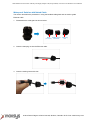
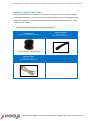
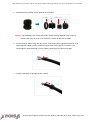
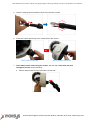
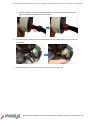
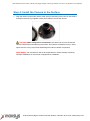
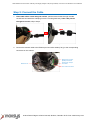
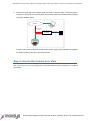
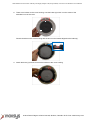
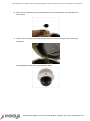
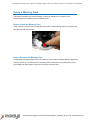
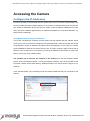
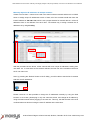
2MP Outdoor Zoom Dome with Day and Night, Adaptive IR, Super WDR, 3x Zoom Lens Hardware User Manual Step 5: Connect the Cable 1. If the cable will be routed along the surface, pull the network cable through the side conduit hole and attach the clamping nut to the conduit gland body. If the cable passes through the surface, skip to step 2. or Using Flex Conduit Using Naked Cable 2. Connect the network cable to the Ethernet port and other cables (if any) to the corresponding connectors on the camera. Digital Input / Output (DI/DO) Connector Ethernet Port Audio Input / Output Connector 12V Power Connector 8272 Pascal Gagnon Saint-Leonard, Quebec, Canada H1P 1Y4 www.inaxsys.com