1
Draft Document for Review January 20, 2011 1:50 pm
7904ch_VMware_SRM.fm
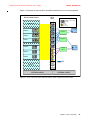
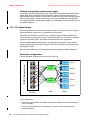
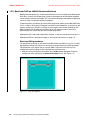
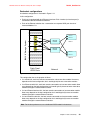
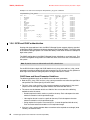
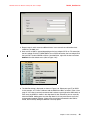
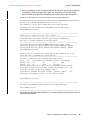
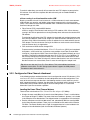
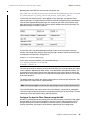
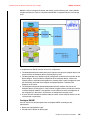
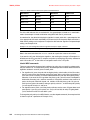
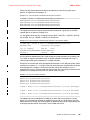
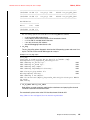
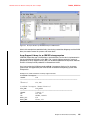
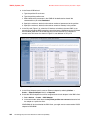
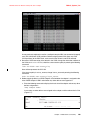
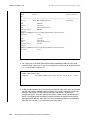
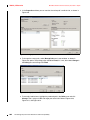
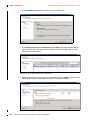
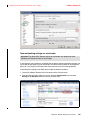
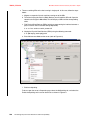
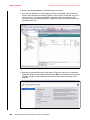
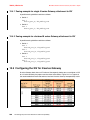
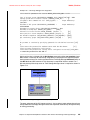
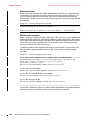
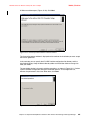
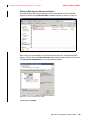
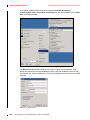
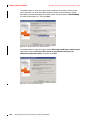
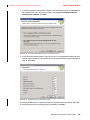
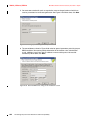
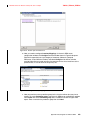
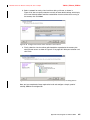
Figure A-67 Review replicated datastores
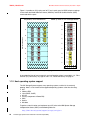
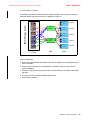
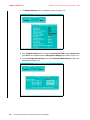
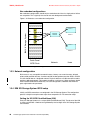
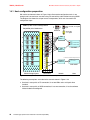
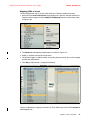
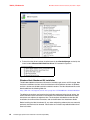
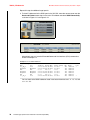
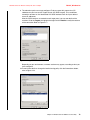
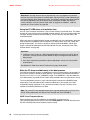
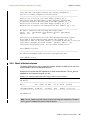
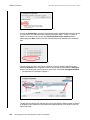
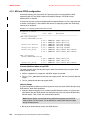
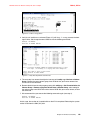
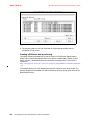
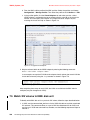
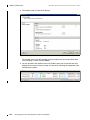
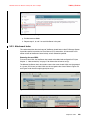
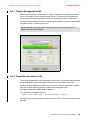
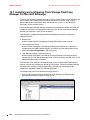
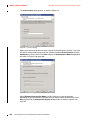
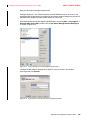
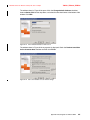
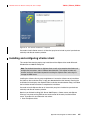
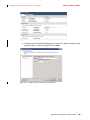
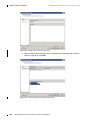
m. Now, you need to configure Inventory Mappings. In the main SRM server
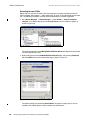
configuration window click Configure and the window shown in Figure A-68 opens.
Right-click sequentially on each category of resources (Networks, Compute
Resources, Virtual Machine Folders) and select Configure. You will be asked to
provide information on usage recovery site resources for the virtual machines at the
protected site, in case of failure at the primary site.
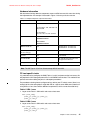
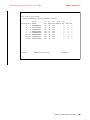
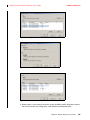
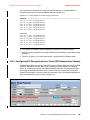
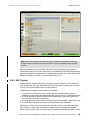
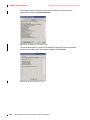
Figure A-68 Configure Inventory Mappings
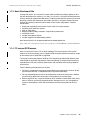
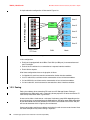
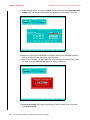
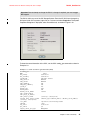
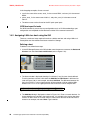
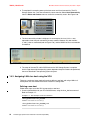
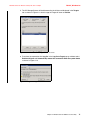
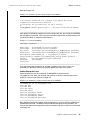
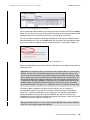
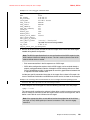
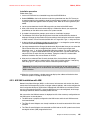
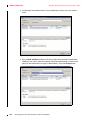
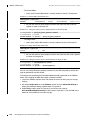
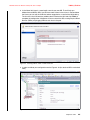
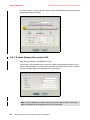
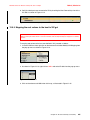
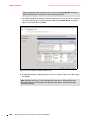
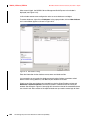
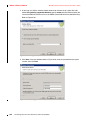
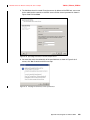
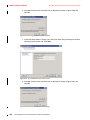
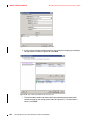
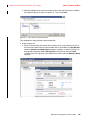
n. Now you need to create a protection group for the virtual machines that you plan to
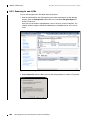
protect. To create Protection group, from the main SRM server configuration window
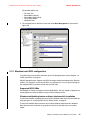
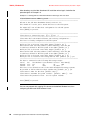
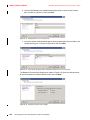
click Create nest to the Protection group able. A window as shown in Figure A-69
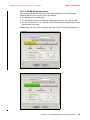
opens. Enter a name for the protection group then click Next.
Appendix A. Quick guide for VMware SRM
353