1
7904ch_VMware.fm
Draft Document for Review January 20, 2011 1:50 pm
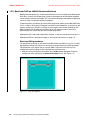
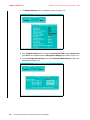
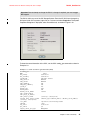
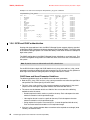
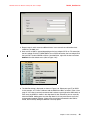
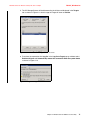
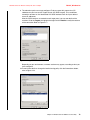
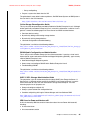
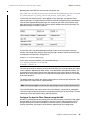
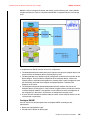
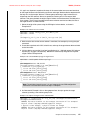
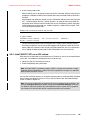
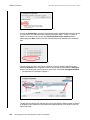
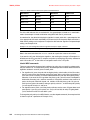
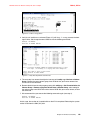
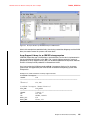
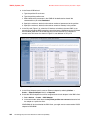
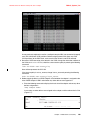
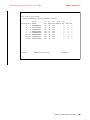
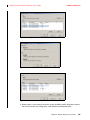
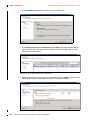
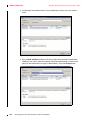
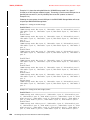
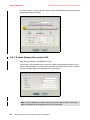
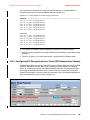
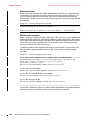
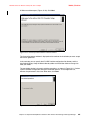
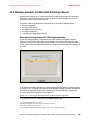
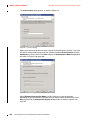
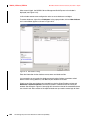
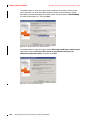
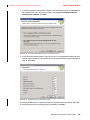
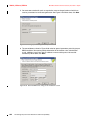
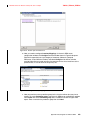
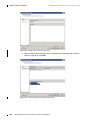
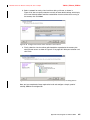
8. The window shown in Figure 8-24 displays.
Figure 8-24 Summary on datastore selected parameters
This window summarizes the complete set of parameters that you just specified. Make
sure everything is correct and click Finish.
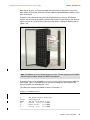
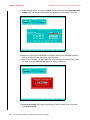
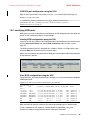
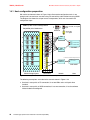
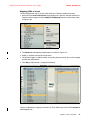
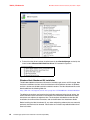
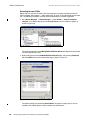
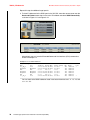
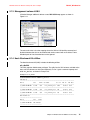
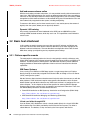
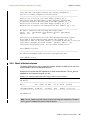
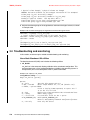
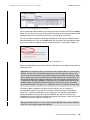
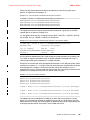
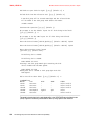
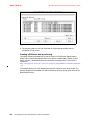
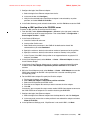
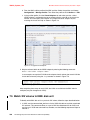
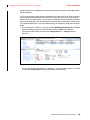
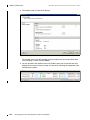
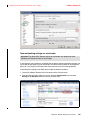
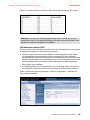
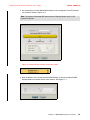
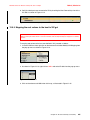
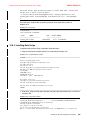
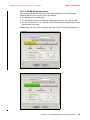
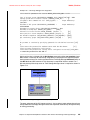
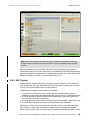
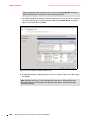
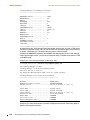
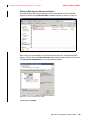
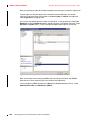
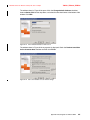
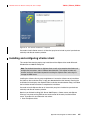
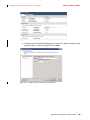
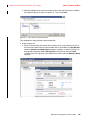
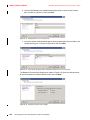
9. You are returned to the vSphere client main window, where you will see two new tasks
displayed in the recent task pane, shown in Figure 8-25, indicating the completion of the
new datastore creation.
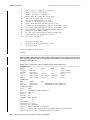
Figure 8-25 Tasks related to datastore creation
214
XIV Storage System Host Attachment and Interoperability