1
Smart Switch Software User Manual GS748T
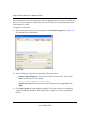
6. Make a note of the displayed IP address assigned by the DHCP server. You will need this
value to access the switch directly from a web browser (without using Smartwizard
Discovery).
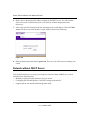
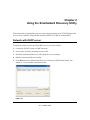
7. Select your switch by clicking on the line that displays the switch address. Then click Web
Access. The discovery utility displays a login window similar to the following:
Figure 2-2
8. Enter the default password which is password. Then, use your web browser to manage your
switch.
Network without DHCP Server
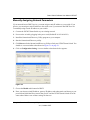
This section describes how to set up your switch in a network without a DHCP server, and is
divided into the following tasks:
• Manually assigning network parameters for your switch.
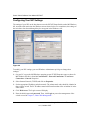
• Configuring the Network Interface Card (NIC) settings on the host PC.
• Logging into the web-based switch management utility.
2-2
Using the Smartwizard Discovery Utility
v1.0, October 2007