1
5. MANAGING LICENSES
Before the call recorder can be used you need to add a valid software license file.
If you need an evaluation license, please send an email at [email protected] or check our
contact page (http://call-replay.com/go/contact).
There are two kinds of license files:
.lix is a generic license, not-activated or bound to any computer.
.bind is an activated license file which only works on the computer where it was activated. Only
production licenses need to be activated.
A license file may only be used on one computer at any given time. Loading the same
license file (that is, with the same license ID) on two servers at the same time is a violation of
the usage agreement. Also a violation is using the license file after it has been revoked or
superseded by a newer license file.
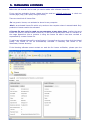
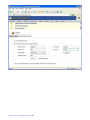
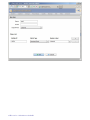
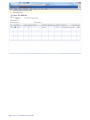
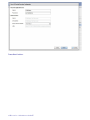
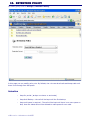
To add a new software license file, select System / Licenses from the menu then click the Upload
button. The license fill will be automatically activated if necessary and stored in the
DataFolder/Licenses directory.
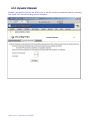
If the licensing software cannot contact our web site for license verification, please open the
CallRecorder 6.1 Administrator's Guide18



























![解説 [PDF:3.1MB]](http://vs1.manualzilla.com/store/data/006646758_2-3aea56620a91fd8b3622fe793fc29955-150x150.png)