1
Chapter 2
Commands
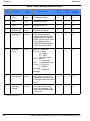
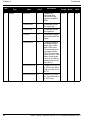
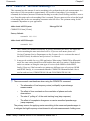
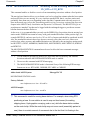
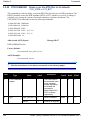
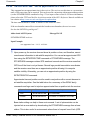
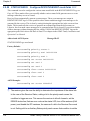
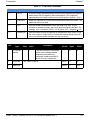
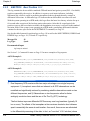
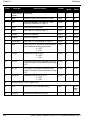
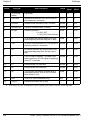
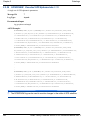
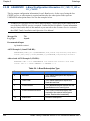
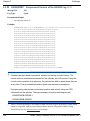
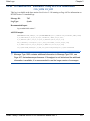
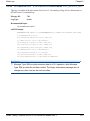
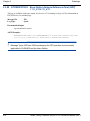
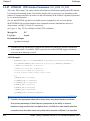
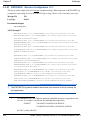
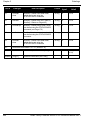
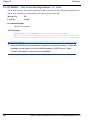
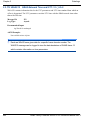
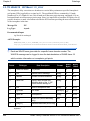
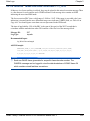
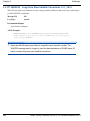
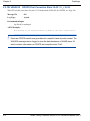
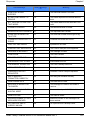
2.5.34 MARKCONTROL Control processing of mark inputs V123
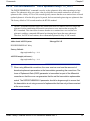
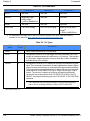
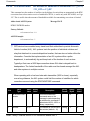
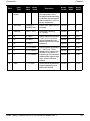
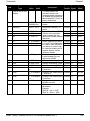
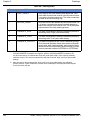
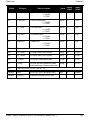
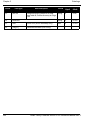
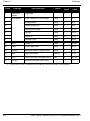
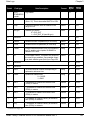
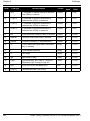
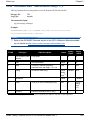
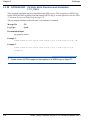
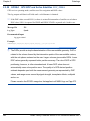
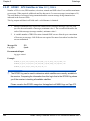
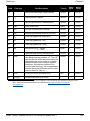
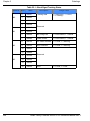
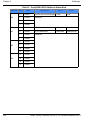
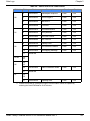
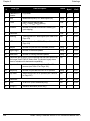
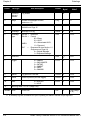
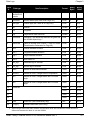
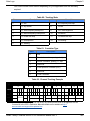
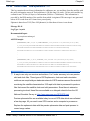
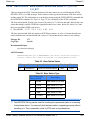
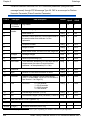
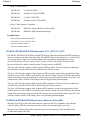
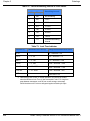
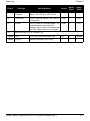
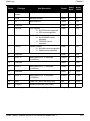
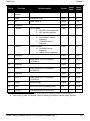
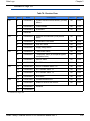
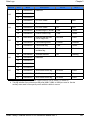
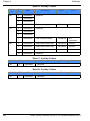
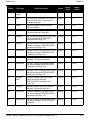
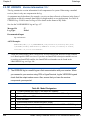
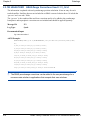
This command provides a means of controlling the processing of the mark 1 (MK1I) and mark 2
(MK2I) inputs for the OEMV. Using this command, the mark inputs can be enabled or disabled, the
polarity can be changed, and a time offset and guard against extraneous pulses can be added.
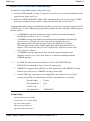
The MARKPOS and MARKTIME logs, see their descriptions starting on Page 312, have their
outputs (and extrapolated time tags) pushed into the future (relative to the MKI event) by the amount
entered into the time bias field. In almost all cases, this value is set to 0, which is also the default
setting.
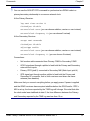
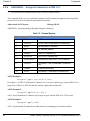
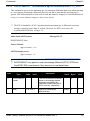
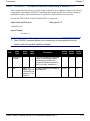
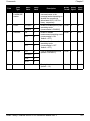
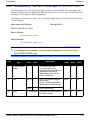
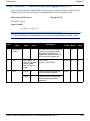
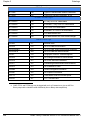
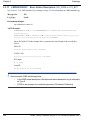
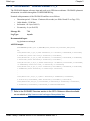
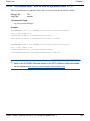
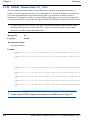
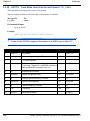
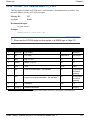
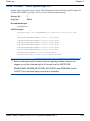
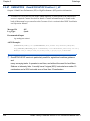
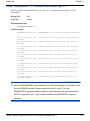
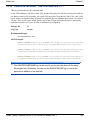
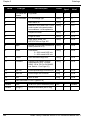
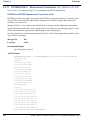
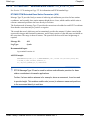
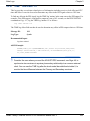
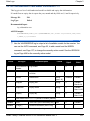
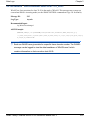
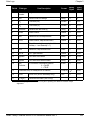
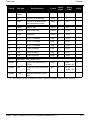
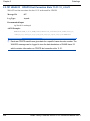
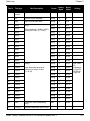
Abbreviated ASCII Syntax:
Message ID: 614
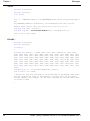
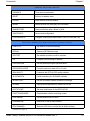
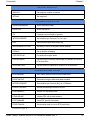
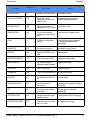
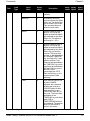
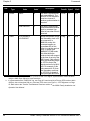
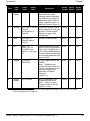
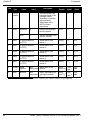
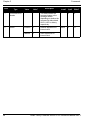
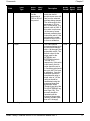
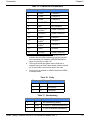
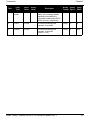
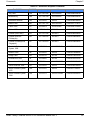
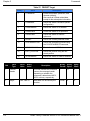
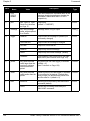
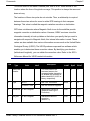
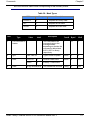
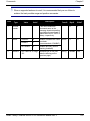
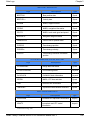
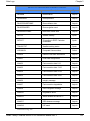
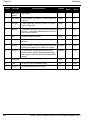
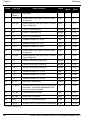
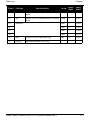
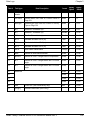
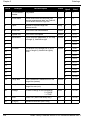
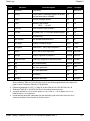
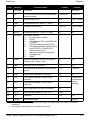
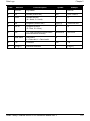
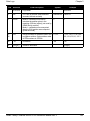
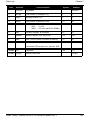
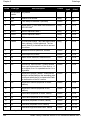
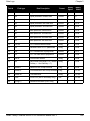
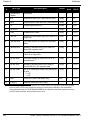
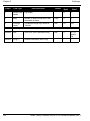
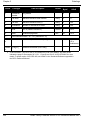
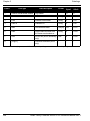
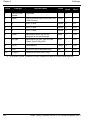
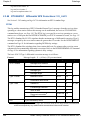
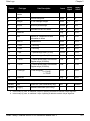
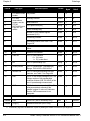
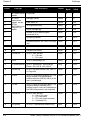
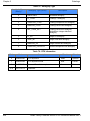
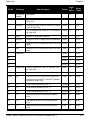
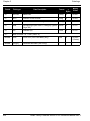
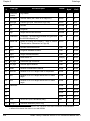
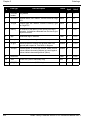
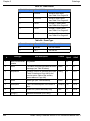
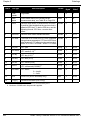
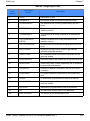
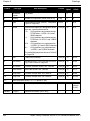
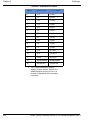
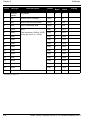
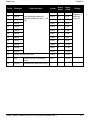
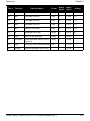
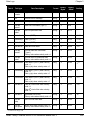
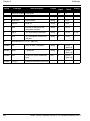
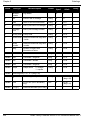
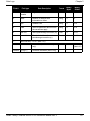
MARKCONTROL signal switch [polarity] [timebias [timeguard]]
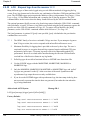
Factory Default:
markcontrol mark1 enable negative 0 0
markcontrol mark2 enable negative 0 0
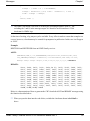
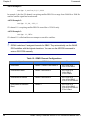
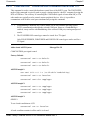
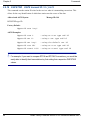
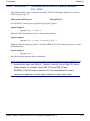
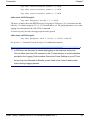
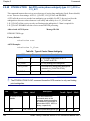
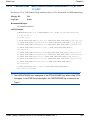
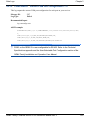
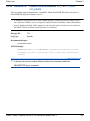
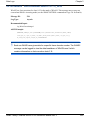
ASCII Example:
markcontrol mark1 enable negative 50 100
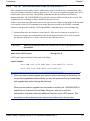
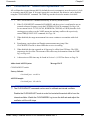
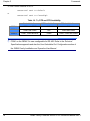
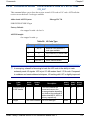
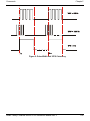
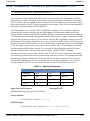
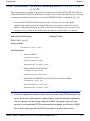
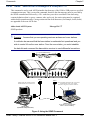
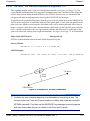
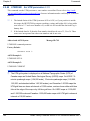
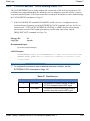
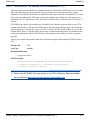
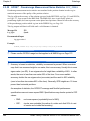
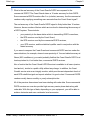
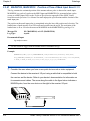
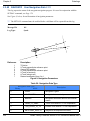
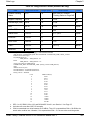
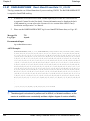
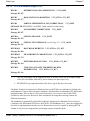
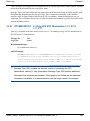
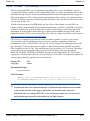
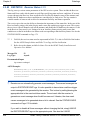
3.3 V
NEGATIVE
Polarity
0.0 V
> 51 ns
3.3 V
POSITIVE
Polarity
0.0 V
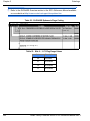
Figure 4: TTL Pulse Polarity
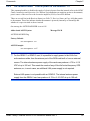
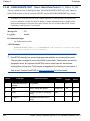
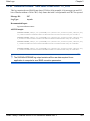
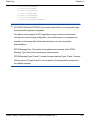
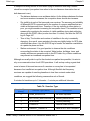
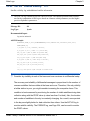
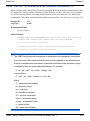
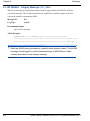
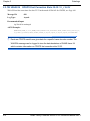
You may have a user point device, such as a video camera device. Connect the
134
OEMV Family Firmware Version 3.000 Reference Manual Rev 2