1
4 - 6 MC45 User Guide
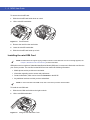
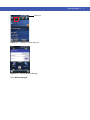
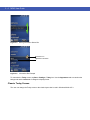
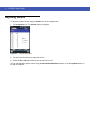
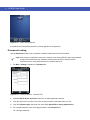
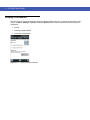
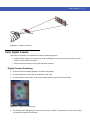
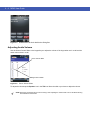
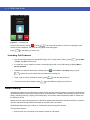
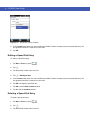
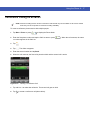
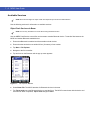
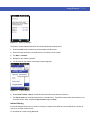
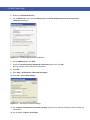
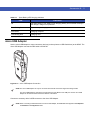
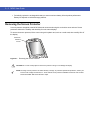
Figure 4-6
3.
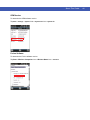
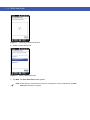
Contacts Menu
Tap Call Work, Call Home or Call Mobile.
NOTE To make a call from an open contact, tap the number to call. See On-Device Help for more information about
Contacts.
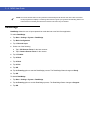
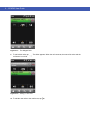
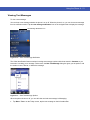
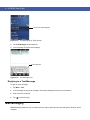
Using Call Log
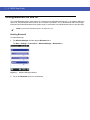
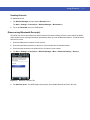
To make a call using Call Log:
1.
Tap Start > Phone or press
2.
From the Phone dialer, tap
.
.
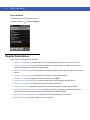
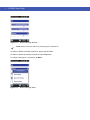
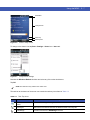
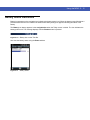
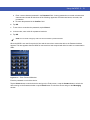
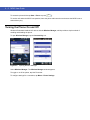
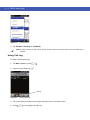
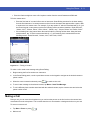
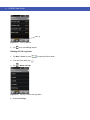
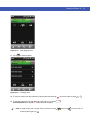
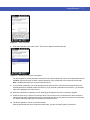
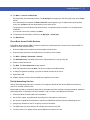
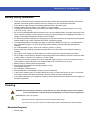
Call Log
Figure 4-7
Call Log Window
3.
Tap on the desired Contacts name to begin dialing and return to the phone dialer.
4.
Press
to stop dialing or end the call.




















![MC45 User Guide [Italian] P/N# 72E-164159-01IT Rev. B](http://vs1.manualzilla.com/store/data/006159142_1-09ba44b15b8f4b34bd375cd37a9ecc8f-150x150.png)
![MC45 User Guide [German] P/N# 72E-164159](http://vs1.manualzilla.com/store/data/006804839_1-ff66d373478d8c1a56997a35ccba3f5e-150x150.png)