1
118 Uconnect Touch™ 8.4 SYSTEM
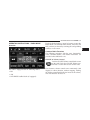
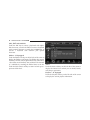
Clock Setting
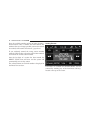
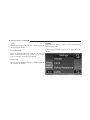
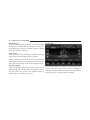
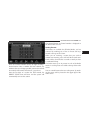
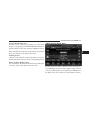
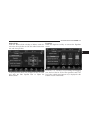
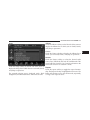
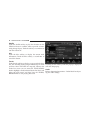
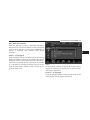
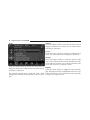
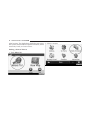
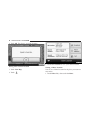
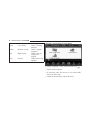
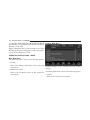
3. Press the Clock soft-key to enter the Clock Menu
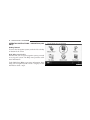
1. Press the More soft-key on the bottom of the screen.
2. Then press the Settings soft-key.
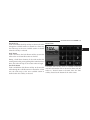
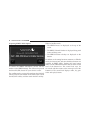
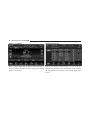
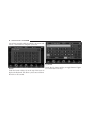
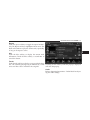
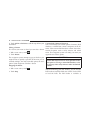
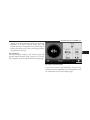
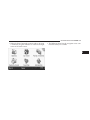
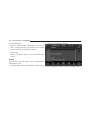
4. In the Set Time screen, press the + or – soft-keys to
adjust the hours or minutes.
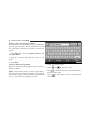
NOTE: The Clock Setting Menu can also be accessed by
touching the time as it is displayed on the screen.