1
FUNCTION MENU SETUP
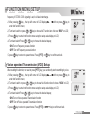
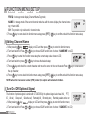
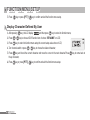
3.Press
key to enter into function menu setup,the current setup value show on LCD;
4.Turn band switch or press
/
key to choose the desired setup;
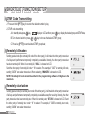
DTMF:turn on the optional signal
OFF:turn off the optional signal
5.Press
key to come back into function menu setup,press [PTT]/
key to confirm and exit the function menu setup.
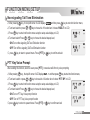
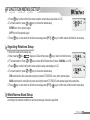
Signaling Relations Setup
This function could set the calling way.
key,
display on LCD and then press
key to enter into function menu;
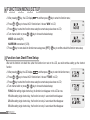
111After pressing
/
key to choose NO.30 function item .It shows “ SIGNAL” on LCD;
222 TTurn band switch or Press
key to enter into function menu setup,the setup value display on LCD;
333Press
/
key to choose the desired setup;
444Turn band switch or press
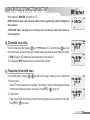
OR:could hear the other side when receiving the match CTCSS/DCS or any other optional signal.
AND:could hear the other side only when receiving the match CTCSS/DCS and optional signal at the same time .
key to come back into function menu setup,press [PTT]/
key to confirm and exit the function menu setup.
5.Press
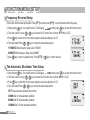
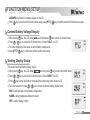
Wide/Narrow Band Setup
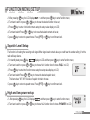
According to the national conditions of various countries,pls choose the legal band.
43