1
Web Configuration
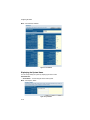
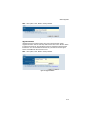
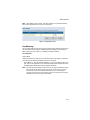
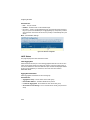
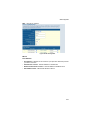
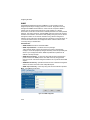
Web – Click PORTS, Port Mirroring.
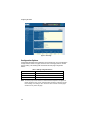
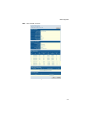
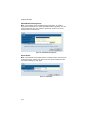
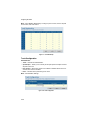
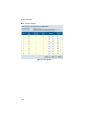
Figure 3-16 Cable Diagnostics
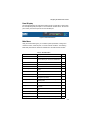
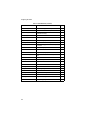
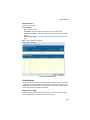
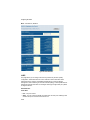
Trunk Membership
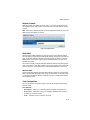
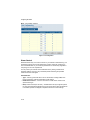
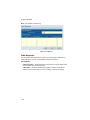
This page allows you to create a maximum of four trunks of up to eight ports per
trunk. The Membership Table has one row for each port and six columns. Each row
contains five radio buttons which are used to indicate which trunk (if any) the port
belongs to.
Field Attributes
•
•
•
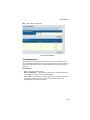
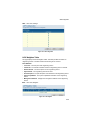
Port – The front panel port number.
Not a Trunk Member – If the radio button in this column is selected, the port is
not a member of any trunks. This is the default state.
Trunk T1-T4 – These columns correspond to the four trunks that are supported
by the switch. To assign a port to a trunk, click on the radio button in the
corresponding column, then click APPLY.
3-19