1
7.2.4.
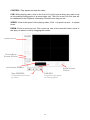
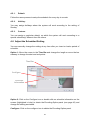
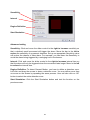
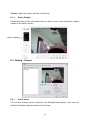
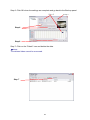
Digital Zoom:
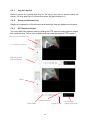
Click on the + and – signs to zoom in and out the view.
7.2.5.
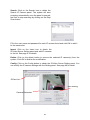
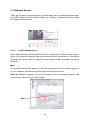
Play/ Stop/Drop:
Select a camera/ video and click on this button to play/stop/disconnect a particular
channel.
7.2.6.
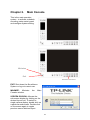
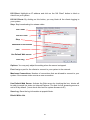
Information Display Window:
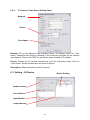
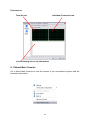
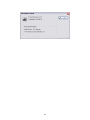
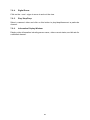
Display video information including server name, video current status, and bit rate for
a selected channel.
58