1
Appendix A MOTLoad Non-Volatile Data
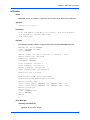
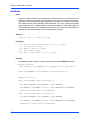
Creating a Configurable POST (Power On Self Test)
Each time startup occurs, the POST commands are displayed. However, they will run in the
background.
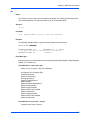
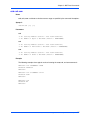
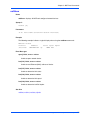
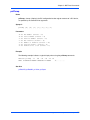
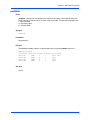
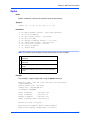
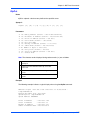
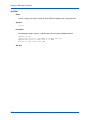
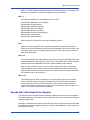
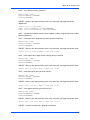
1. Define the POST using a GEV:
MOTLoad> gevEdit –nPOST
Test1 for POST
Test2 for POST
Test3 for POST
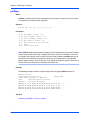
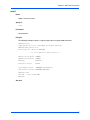
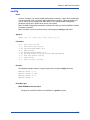
2. Define the mot-script-boot GEV:
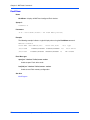
MOTLoad> gevEdit –nmot-script-boot
testSuiteMake –nPOST –r (This creates a test suite from what is stored in NVRAM)
testSuite –nPOST –r (This runs the test suite in the background)
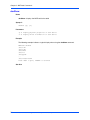
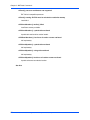
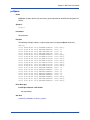
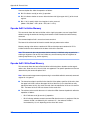
To find out if post has passed, use the testStatus command.
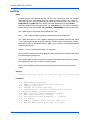
Other GEVs
There are other GEVs that are reserved by MOTLoad firmware. All of these GEVs begin with
the mot- prefix. These GEVs should not be changed through the gevEdit command. The
additional GEVs can be edited through other MOTLoad commands. The GEVs are used for
VMEbus setup and serial port configurations.
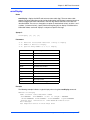
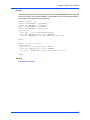
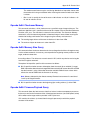
Viewing GEV Values
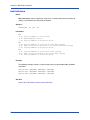
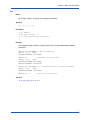
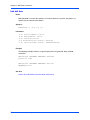
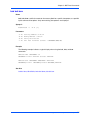
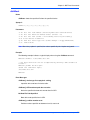
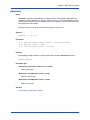
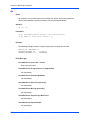
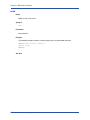
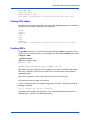
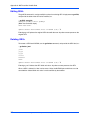
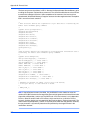
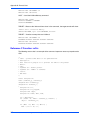
All GEVs currently stored in NVRAM may be viewed with the gevShow command. The order
of the GEVs is the order in which they were created. Each GEV is shown as label=value. If the
value is comprised of more than one line of data, the label is shown on a separate line, above
the value line(s).
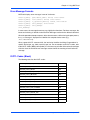
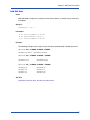
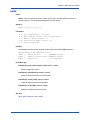
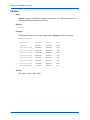
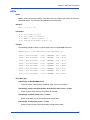
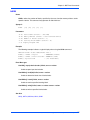
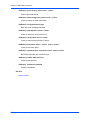
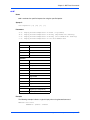
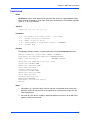
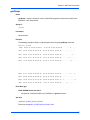
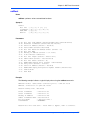
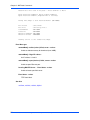
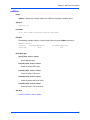
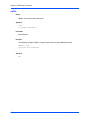
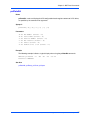
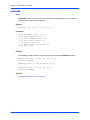
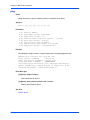
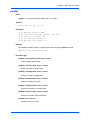
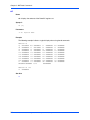
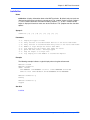
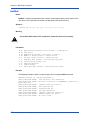
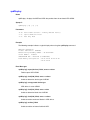
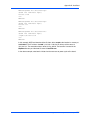
gevShow
example1=Hi 12345 Hi
example2=Come Back Soon
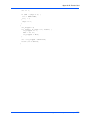
jazz=
a
b
c
e
d
g
e
t
lkjkj
jsjs
ieie
vnvnv
s’s’s’s
c
168
MOTLoad Firmware Package User’s Manual (MOTLODA/UM4)