1
Controlling PTZ
B: Customizing Tours
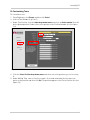
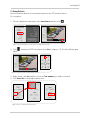
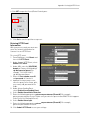
To customize a tour:
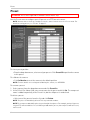
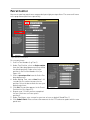
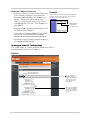
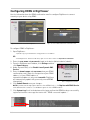
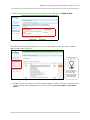
1. From Digiviewer, click Events and then click Patrol.
2. Select a Tour Number (e.g. Tour1).
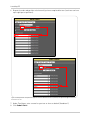
3. Under Tour Position, click the Order drop-down menu and select an Order number (first will
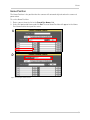
be the default position). Order refers to the position in the Position Number List (see figure
7.9).
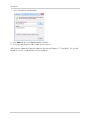
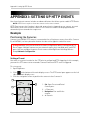
Figure 7.8 Patrol Control menu
4. Click the Select Position drop-down menu and select one of the positions you set in section
A.
5. Under Waiting Time, enter a time (in seconds—99 seconds maximum) for the camera to
pause on the position and then click Set. The position appears in the Preset Position List (see
figure 6.9).
21