1
Remote Control User’ s Manual
character to turn "Flash On" and then place cursor just past the
character and turn "Flash Off".
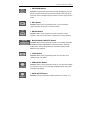
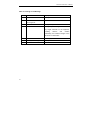
3. STAY Button
>>Stay:_(Sec) ranging from 00-99
Function: You can enter how long you want the message to stay on
the display per play.
The default is 03 seconds.
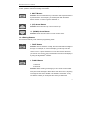
4. SPEED Button
1. Fastest
2. Fast
3. Medium Fast
4. Medium
5. Medium slow
6. Slow
7. Slowest
Function: This will let you control the speed at which your message
appears to the display and also the speed that it leaves the display.
The default value it set by Sigma software, in Default display setting
menu.
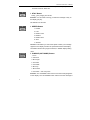
5. IN MODE (OUT MODE) Button
1. Auto
2. Move left
3. Move right
4. Scroll O/L
5. Scroll O/R
6. Move up
7. Move down
8. Scroll O/C... and many more
Function: The "IN MODE" button refers to how the message appears
on the display. The "OUT MODE" button refers to how the message is
6