1
5
2
R-Undelete Manual
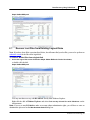
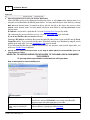
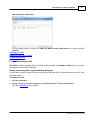
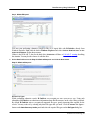
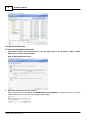
Select Fast search for recently deleted files on the Step 2. Select action panel and click the Next
button
Step 2. Select action panel
>
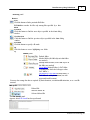
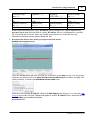
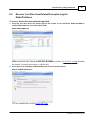
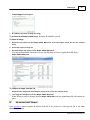
R-Undelete will change its panel showing the disk's folders/files structure
R-Undelete analyzes data on the disk and displays all files which records have been found. Then deleted
files, which records still remain, can be recovered. If files have not been found, that means that their records
have been deleted. To find such files, Detailed Scan is required.
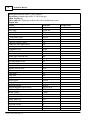
Please note that R-Undelete shows only those files/folders that match a specified file mask .
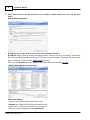
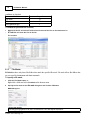
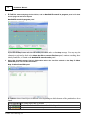
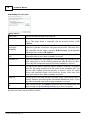
Step 3. Select files for recovery panel
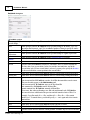
Panel view options
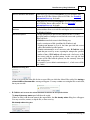
You may select which columns will be shown on the
Contents pane. Right-click the table header and select the
required ones. You may also arrange the data as required.
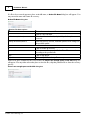
Select the required arrangement on the Mark files for
© 2015 R-Tools Technology, Inc




![User Manual [PDF 779 kB]](http://vs1.manualzilla.com/store/data/005781460_1-49b4dd0a8e6377162bdb6a1daefcc9f3-150x150.png)