1
M2 Series
Instruction Manual 9R68-A
Mar, 2008
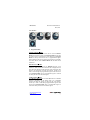
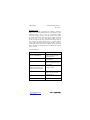
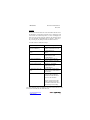
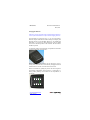
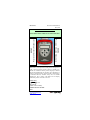
PRGM & ENTER KEY
Puts the manometer into the Program Mode from the Measure
Mode. When in the Program Mode, pressing this key selects the
programmable register to be edited (with prompt for password if
Lockout is set). After the register has been edited, pressing the
PRGM key enters the new setting into the manometer’s nonvolatile memory. This key also acts as a forward space key
when editing user input such as the header name and user units.
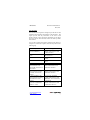
BACKLIGHT KEY
The BACKLIGHT key, represented by the standard light bulb
symbol, toggles the display backlight between green and off.
www.meriam.com
page 4 of 36