1
PC Automatic Tests
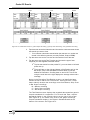
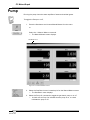
The system warns you and the test restarts if:
— Low flow is detected,
or
—
Minimum dilution requirements are not met
or
— RPM values are outside the range for more than two consecutive
seconds (or the time set in Time Allowed Outside RPM Range) or a
total of ten seconds (or the number set in Total Time Allowed Outside
RPM Range).
FGA allows a maximum of three restarts (or the number set in Max
Restarts). A fourth restart (or the number in Max Restarts+1) causes the
TSI Test to abort.
✓ Select the Tachometer button at any time to reconfigure the
tachometer. The test then restarts.
✓ Press the Abort button at any time to stop the test.
Pass/Fail
When the TSI Test ends, FGA proceeds to test completion, discussed in
Test Completed, page 3D-6.
Test Completed
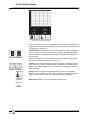
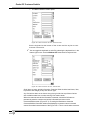
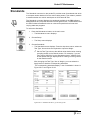
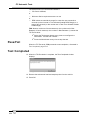
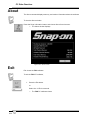
13. When the TSI Simulation is complete, the Test Completed window
displays.
Figure 3D-6: Test Completed Screen
14. Remove the tachometer lead and sample probe from the vehicle.
15. Press OK.
3D-6