1
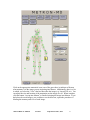
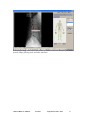
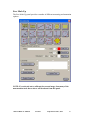
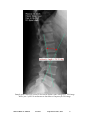
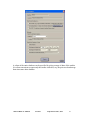
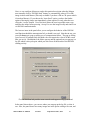
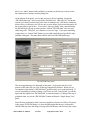
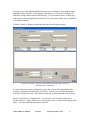
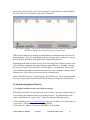
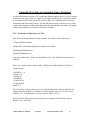
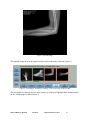
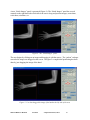
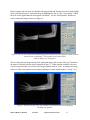
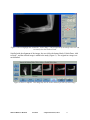
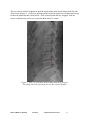
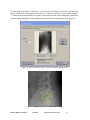
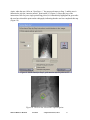
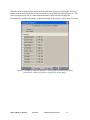
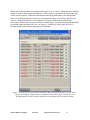
When the final points have been picked in the guided mark-up process, clicking the Next Step
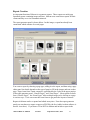
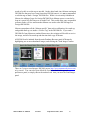
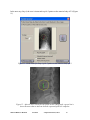
button leads the user to a table of measurements that is made from these picks (Figure 15). The
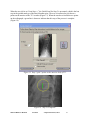
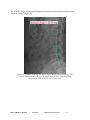
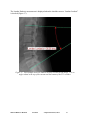
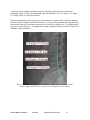
small check-box to the left of each measurement name can be selected to display the
measurement overlaid on the image, so that the meaning of the measure will be clear to the user.
Figure 15: A table of computed measures. Clicking the check-box to the left of
the measure’s name will display it graphically on the image.
Metron-MD User Manual
Version 6
© EponaTech LLC, 2011
82